
We have never found a tool that is so easy to customize for multiple users with different levels of access at Budgyt's price point.
Amy McPherson, Chief Executive Officer
Nonprofit budgeting software implementation is the guided onboarding process that moves a finance team off spreadsheets and into a live budget, in Budgyt’s case in about two weeks.
Most nonprofit finance teams expect new software to require months of setup and a stalled budget cycle. Budgyt runs implementation in clear phases and reaches a working budget in about two weeks. A product specialist guides each step, your data comes across during onboarding, and your team keeps a familiar grid layout while finance keeps control of the structure.
Trusted by nonprofit finance teams moving off spreadsheets.









Onboarding is guided by a Budgyt specialist, not a self-serve setup, and most teams reach a working budget in about two weeks.
| Step | What Happens |
|---|---|
| Connect | The API connects to your accounting system and maps your chart of accounts, departments, and dimensions |
| Import | General Ledger transactions import into an actuals scenario, on the date ranges and detail you choose |
| Build | The onboarding team recreates your budget methodology and guides you through each category |
| Train | Your team learns through the training library, recorded sessions, and same-day support |
| Go live | Departments contribute in a familiar grid while finance keeps control |
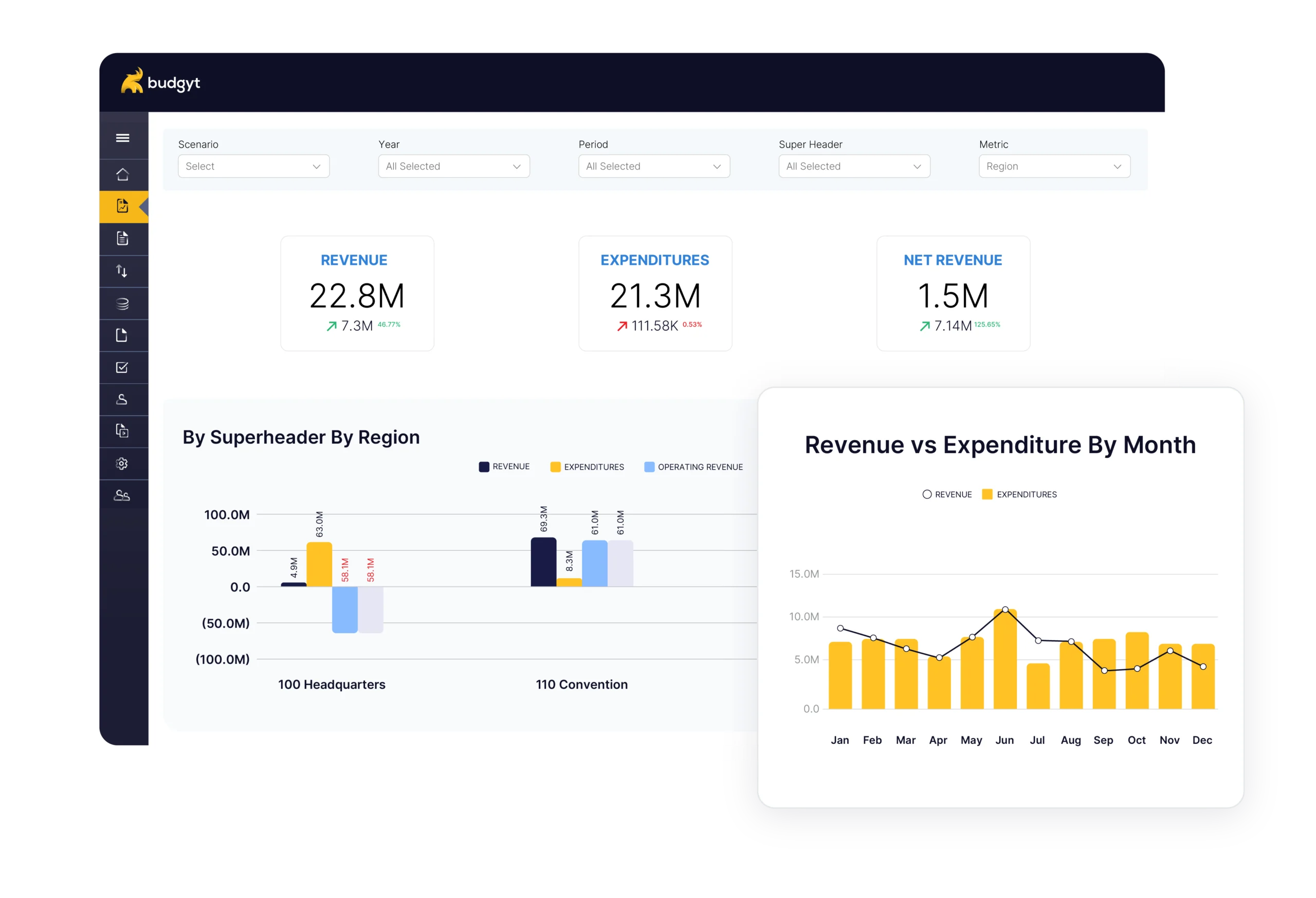
Setup is handled with a Budgyt specialist, not a self-serve wizard, and there are no servers to set up. Budgyt connects to major accounting systems, including QuickBooks, NetSuite, Sage Intacct, and Microsoft Dynamics 365 Business Central, and you pull actuals on your own schedule.“We do have APIs with NetSuite, Sage Intacct, Business Central and QuickBooks Online. So to do a pilot with those is pretty easy.” — James
Most teams arrive with a budget spread across linked workbooks that break whenever a row moves. Budgyt replaces those cross-sheet formulas with one structured model during setup. If you are still comparing options, see the best nonprofit budgeting software overview and how budgeting software differs from accounting software.
| In Spreadsheets Today | In Budgyt |
|---|---|
| Versions emailed between staff | One shared model with role-based access |
| Formulas break when rows shift | Database calculations that hold |
| Consolidation done by hand | Departments roll up to one P&L |
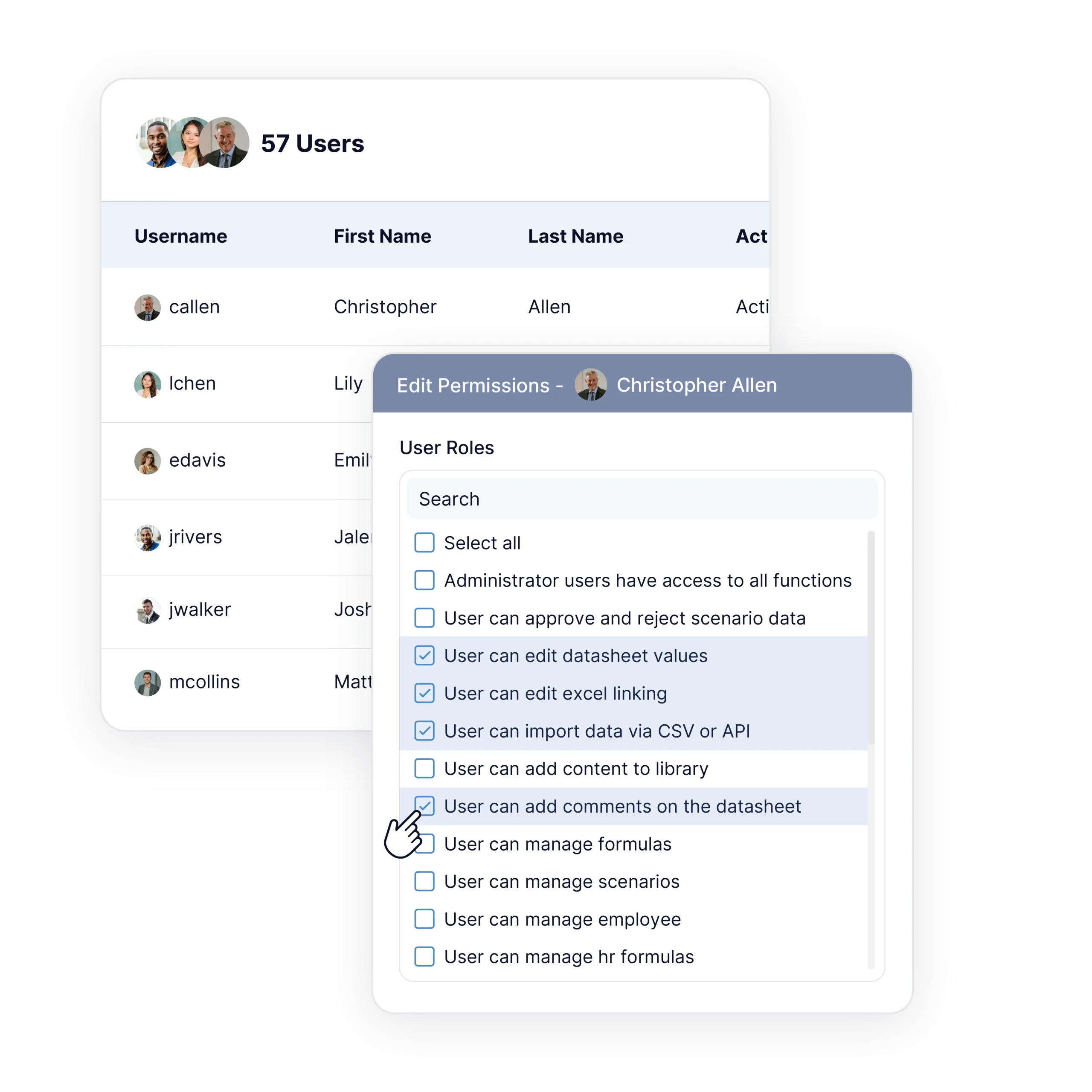
Department heads build their own budgets in a familiar grid without touching the master model. Unlimited users are included, and adding the whole team does not change the cost.
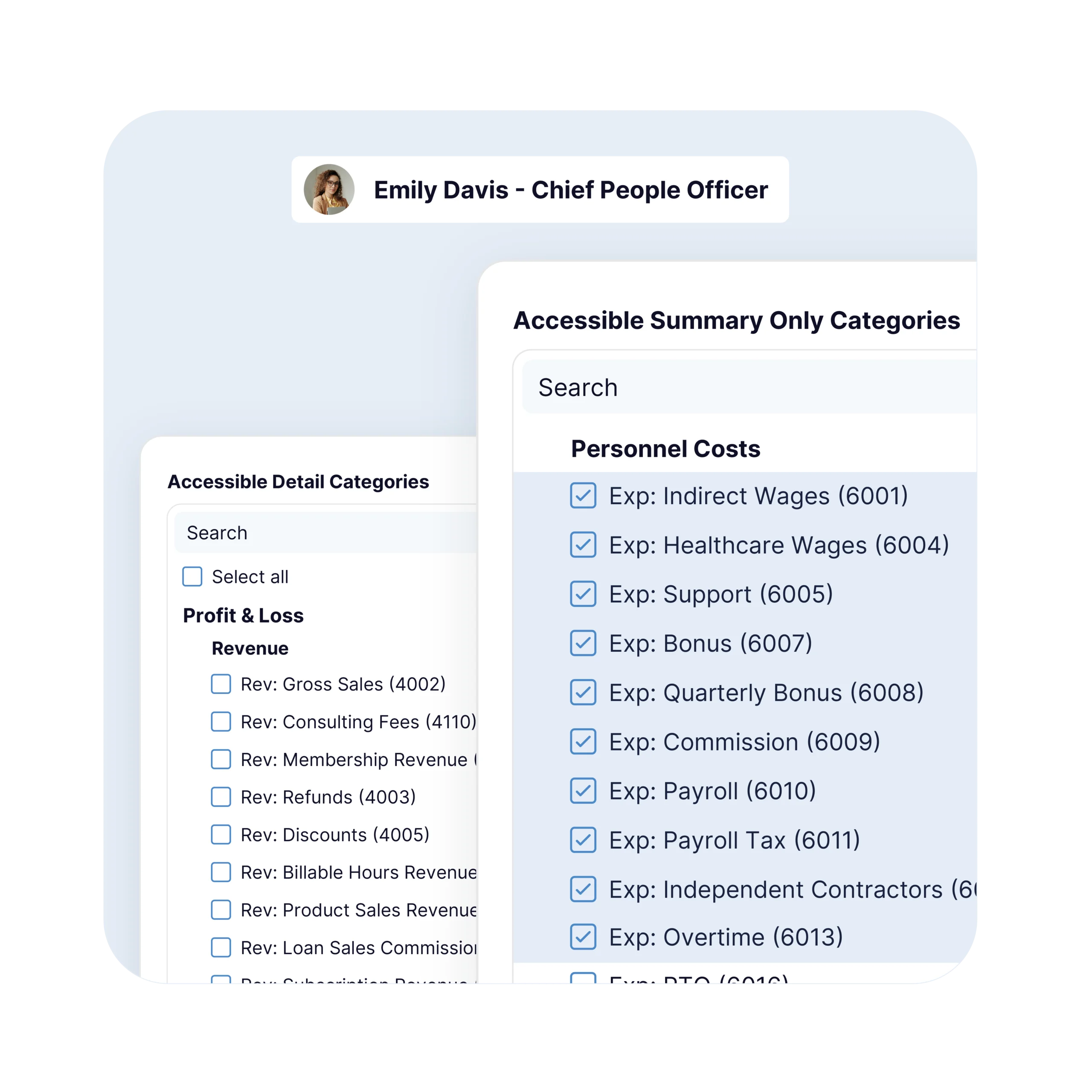
Budgyt uses role-based permissions. Finance decides what each contributor can view and edit, and program heads build their own departments while salary lines stay hidden.
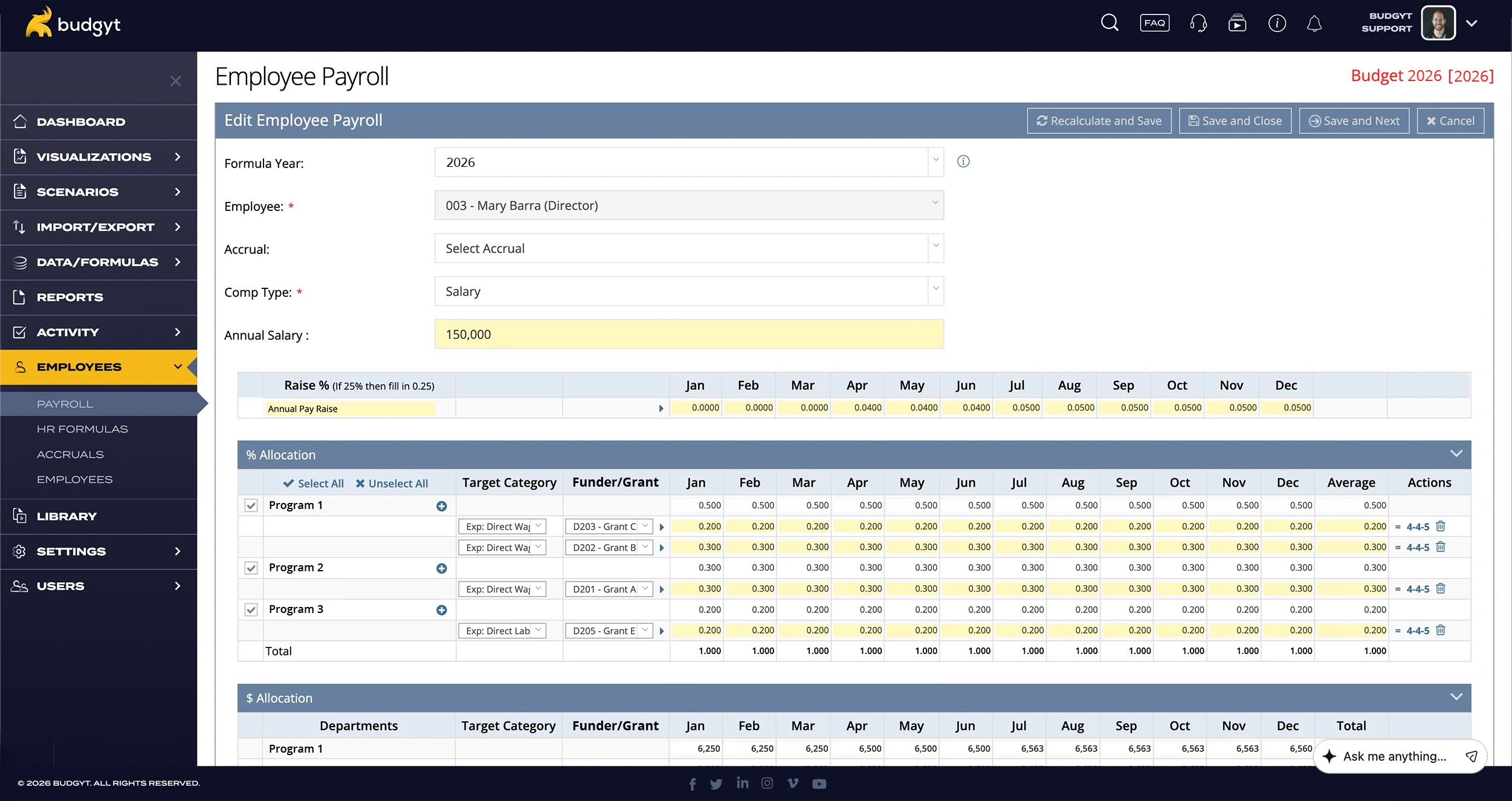
The finance lead decides how departments are structured, who contributes, and what each role can see, while the specialist handles the setup work behind it. Control of the model stays with finance throughout implementation.
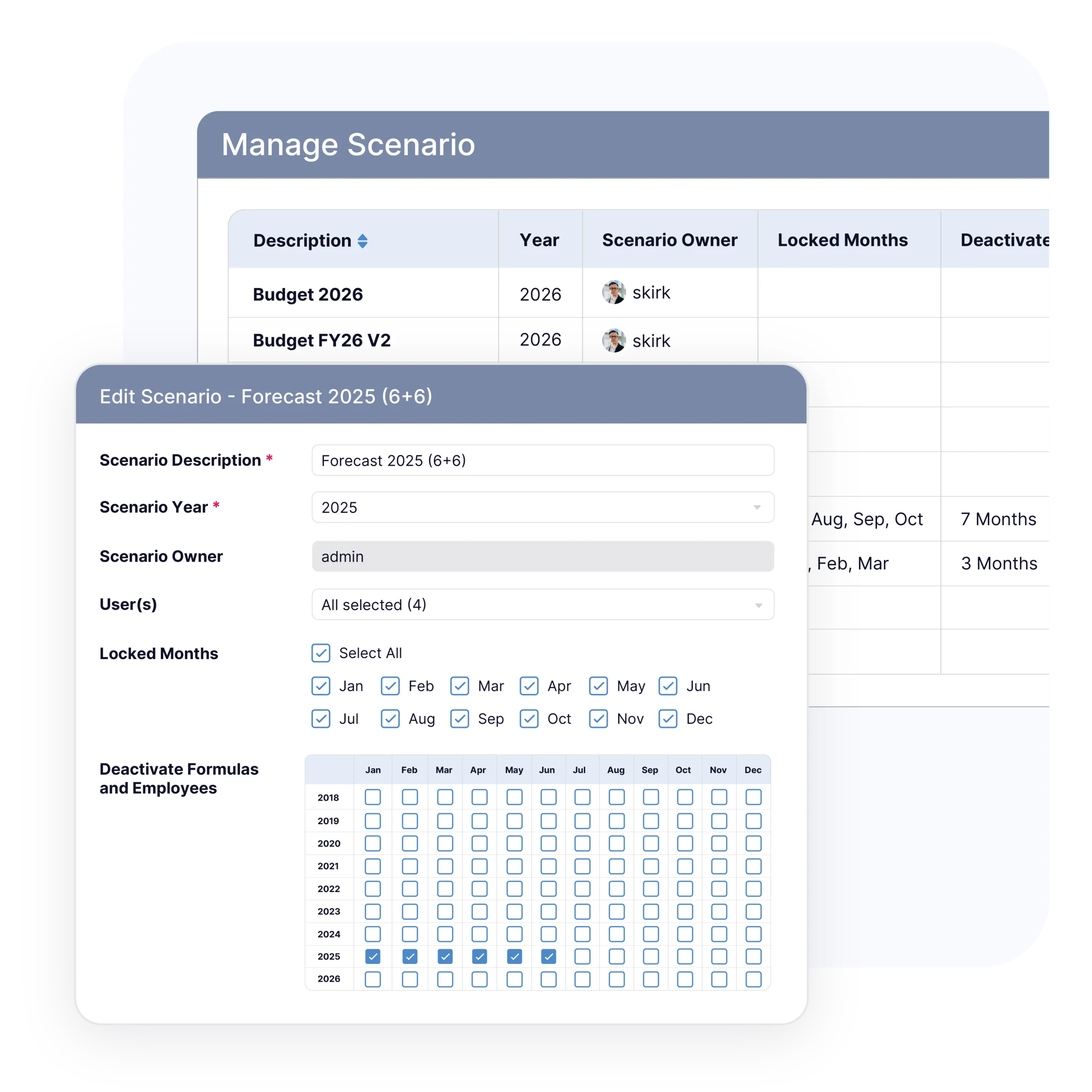
Budgyt supports rolling forecasts updated monthly. When funding shifts, finance can reforecast from actuals without rebuilding the model.
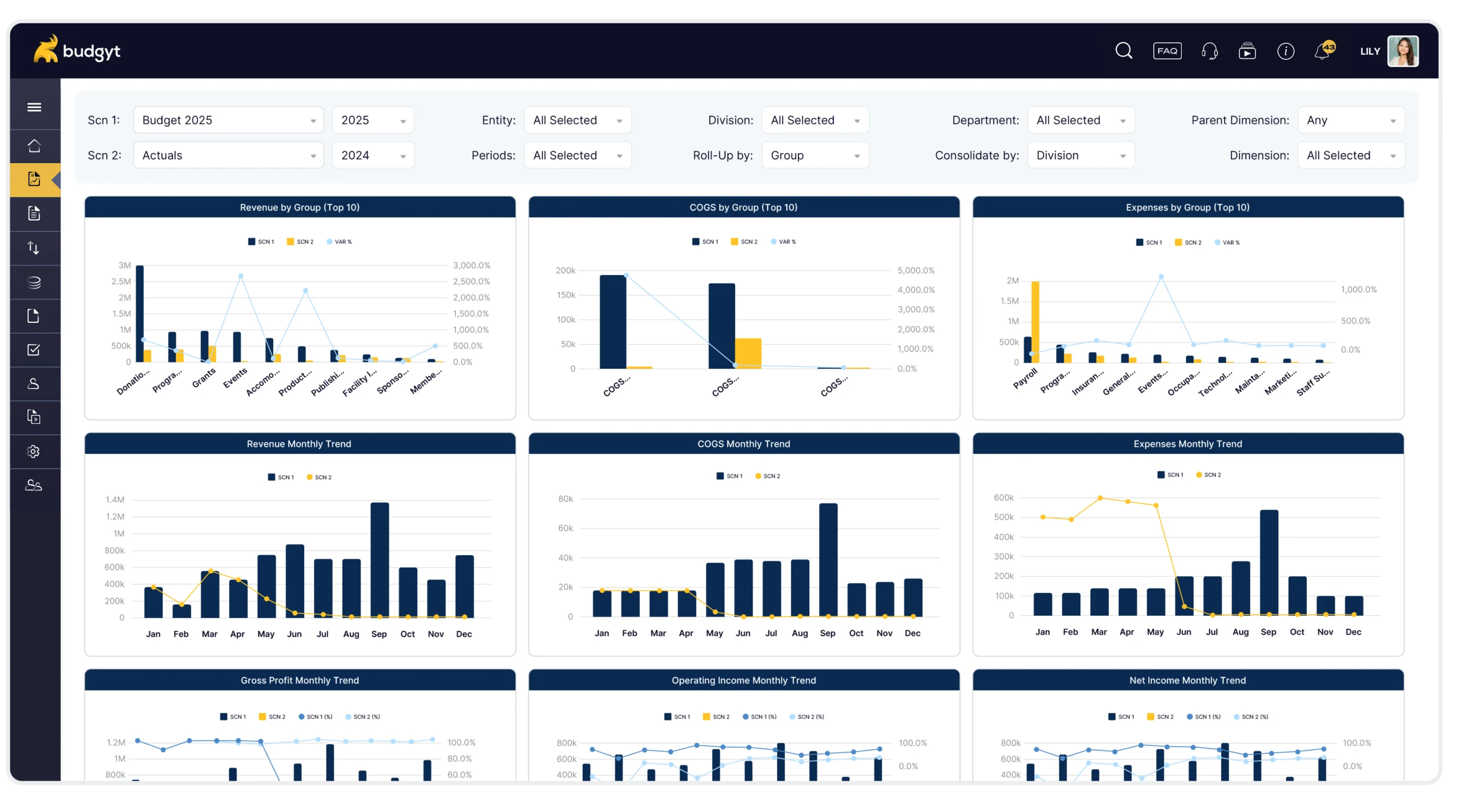
Budgyt produces dashboards and reports from the live budget, and export to formatted Excel for board presentations. Finance reports from current numbers instead of rebuilding a separate deck.
Why Finance Teams Switch to Budgyt
We have never found a tool that is so easy to customize for multiple users with different levels of access at Budgyt's price point.
We rely on a flexible approach to managing our finances, so it is critical to have data organized and presented the way we need it. Budgyt is highly customizable and can fit most, if not any, account structure.
Now we no longer have to generate reports in Quickbooks and send them to users so that they can parse the data.
Most nonprofit finance teams go live in about two weeks. Timing depends on the number of departments and how clean the source data is, and a Budgyt specialist guides onboarding.
Connect the API to your accounting system, import your General Ledger into an actuals scenario, rebuild your budget methodology with the onboarding team, train your team, and go live.
No. There are no server installs. Setup is handled with a Budgyt specialist, and you set permissions on your accounting system.
Yes. The API maps your chart of accounts, departments, and dimensions, and imports your General Ledger on the date ranges you choose.
Yes. Contributors work in a familiar grid, with database calculations that hold instead of cross-sheet formulas that break.
A specialist guides setup and recreates your budget methodology, and your team learns through the training library, recorded sessions, and same-day support.
Yes. If you’re on NetSuite, Sage Intacct, Business Central, or QuickBooks Online, a read-only connection takes a few minutes — then the Free Pilot rebuilds your own budget so you see your numbers, not a demo file.