

We have never found a tool that is so easy to customize for multiple users with different levels of access at Budgyt's price point.
Amy McPherson, Chief Executive Officer
Role-based budgeting software lets finance decide who can view, edit, and approve each part of a budget, keeping sensitive data controlled while departments contribute.
Collaboration breaks down when the only options are a shared spreadsheet anyone can edit or a locked file only finance touches. Budgyt sets access by role. Program heads build their own department budgets while payroll and other departments stay out of view, and nothing reaches the master model without finance approving it. Every user is included at no extra cost.
Built for finance teams that need control and collaboration at once.










Access in Budgyt is set by role. The table below shows how view, edit, salary visibility, and approval rights typically map across a finance team, departments, and the board.
| Role | Access | Salary Visibility |
|---|---|---|
| Finance admin | View and edit all departments | Yes |
| Department or program head | View and edit own department | Hidden |
| Board or leadership viewer | View reporting only | Hidden |
| External reviewer | View assigned reports only | Hidden |
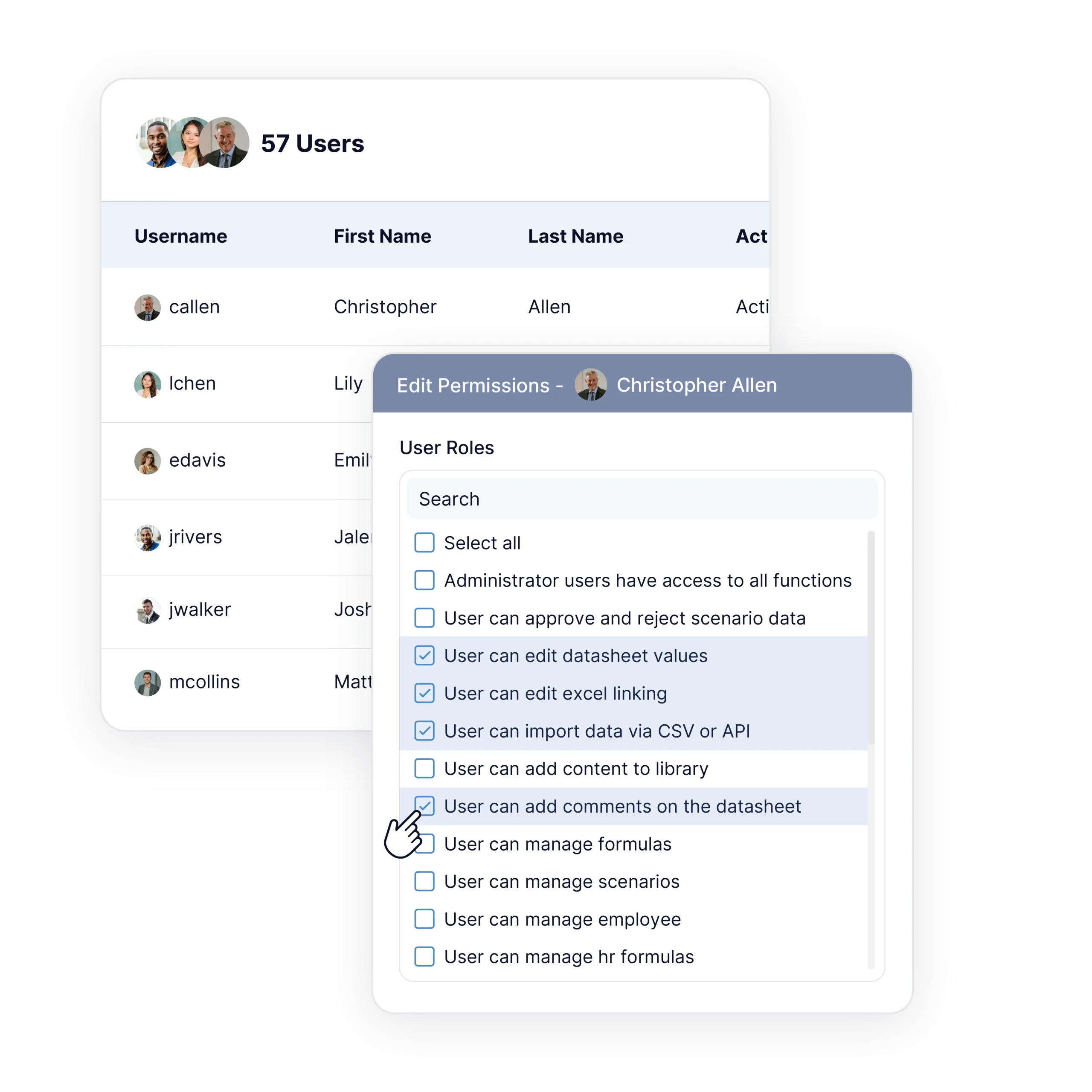
Finance, not IT, controls who has an account and what each role can reach. Access can be widened or narrowed as people join, change roles, or leave, and the master model stays intact while contributors work around it.
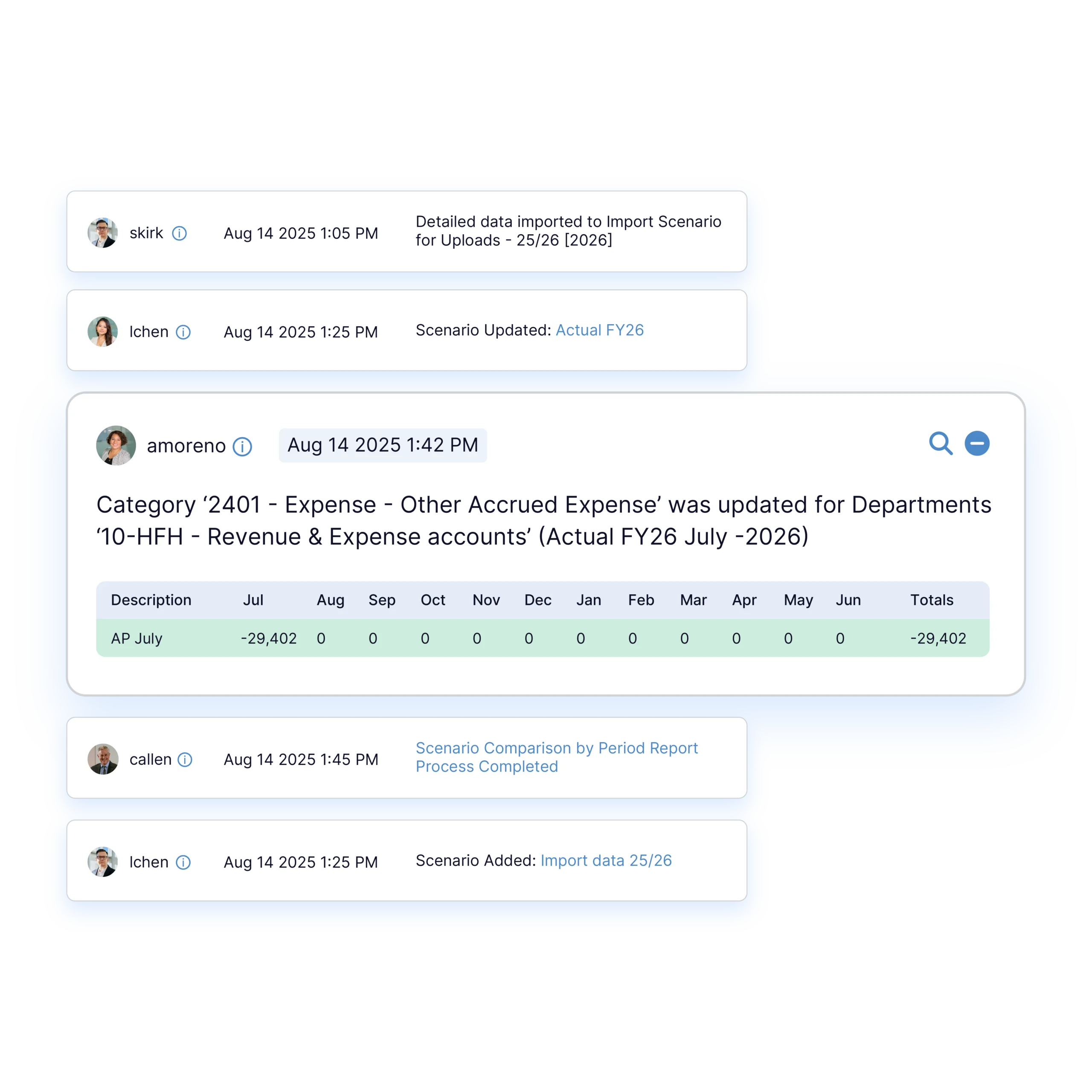
Department heads work in their own areas at the same time, and finance reviews every change in one place. Unlimited users are included, and adding contributors does not raise the cost.“Everyone can be working in the same scenario, but only get to see that part of the scenario they’re supposed to see.” — James
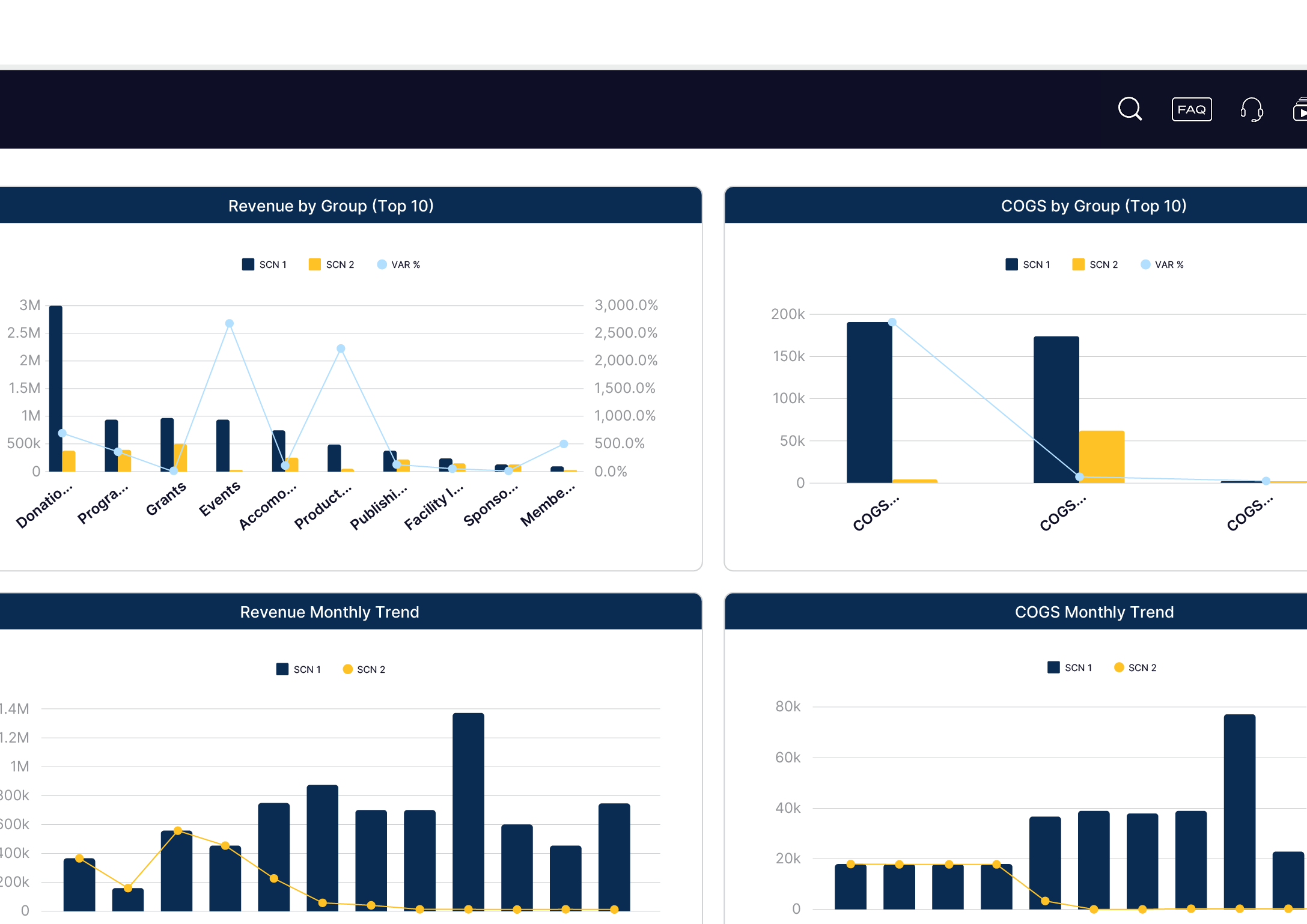
Board members and executives can be given read-only reporting views. They see the numbers they need for oversight without the ability to change the budget. For the wider planning picture, see nonprofit FP&A software.
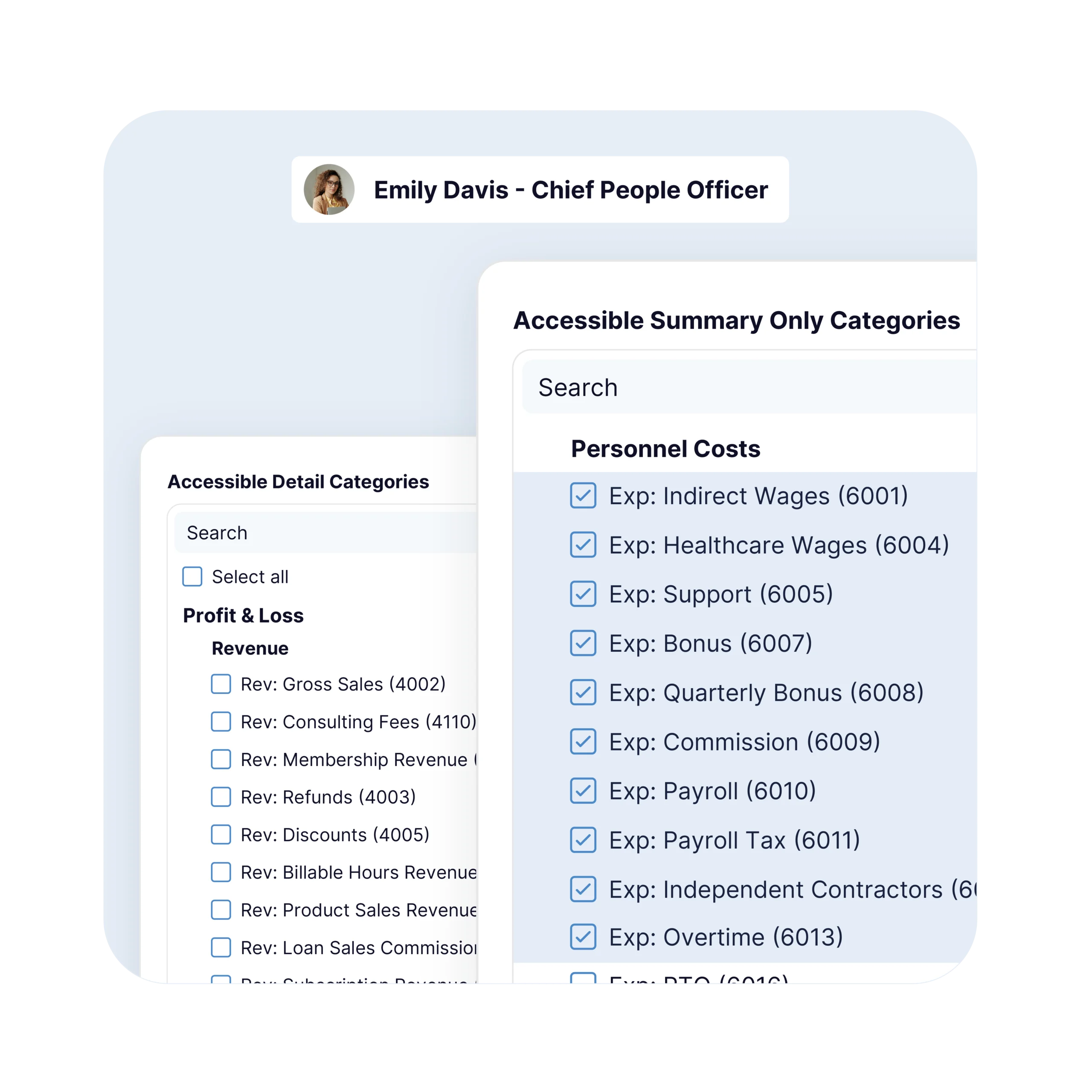
Teams often control spreadsheet access with hidden tabs and password-protected files that break the moment someone shares the wrong version. Budgyt replaces those workarounds with roles finance sets directly.
Example: a program director enters travel, supplies, and contractor lines for the year while the salary rows in that same department stay hidden.
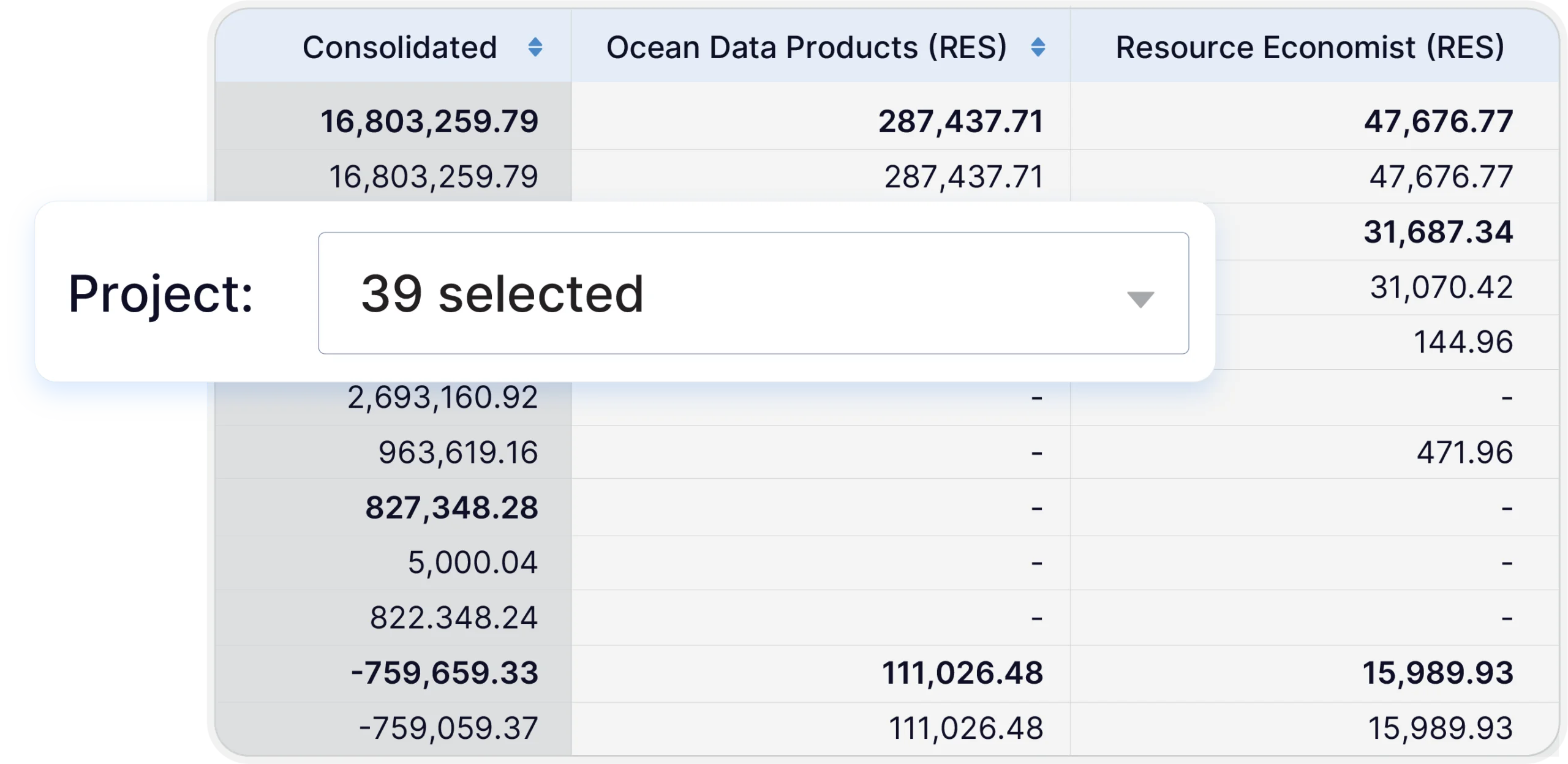
When funding shifts and finance opens a reforecast, the same role-based access applies. Contributors update only their own departments, and the controlled model holds through the change.
Finance maps departments to contributors during onboarding, and the structure carries forward each cycle. Most teams are set up in about two weeks with a specialist’s help.
Budgyt runs on AWS infrastructure and supports single sign-on through Google, Azure, and Okta, with multi-factor authentication available. Setting access does not require a technical project. The same control underpins grant budgeting, where restricted-fund detail can be limited to finance.
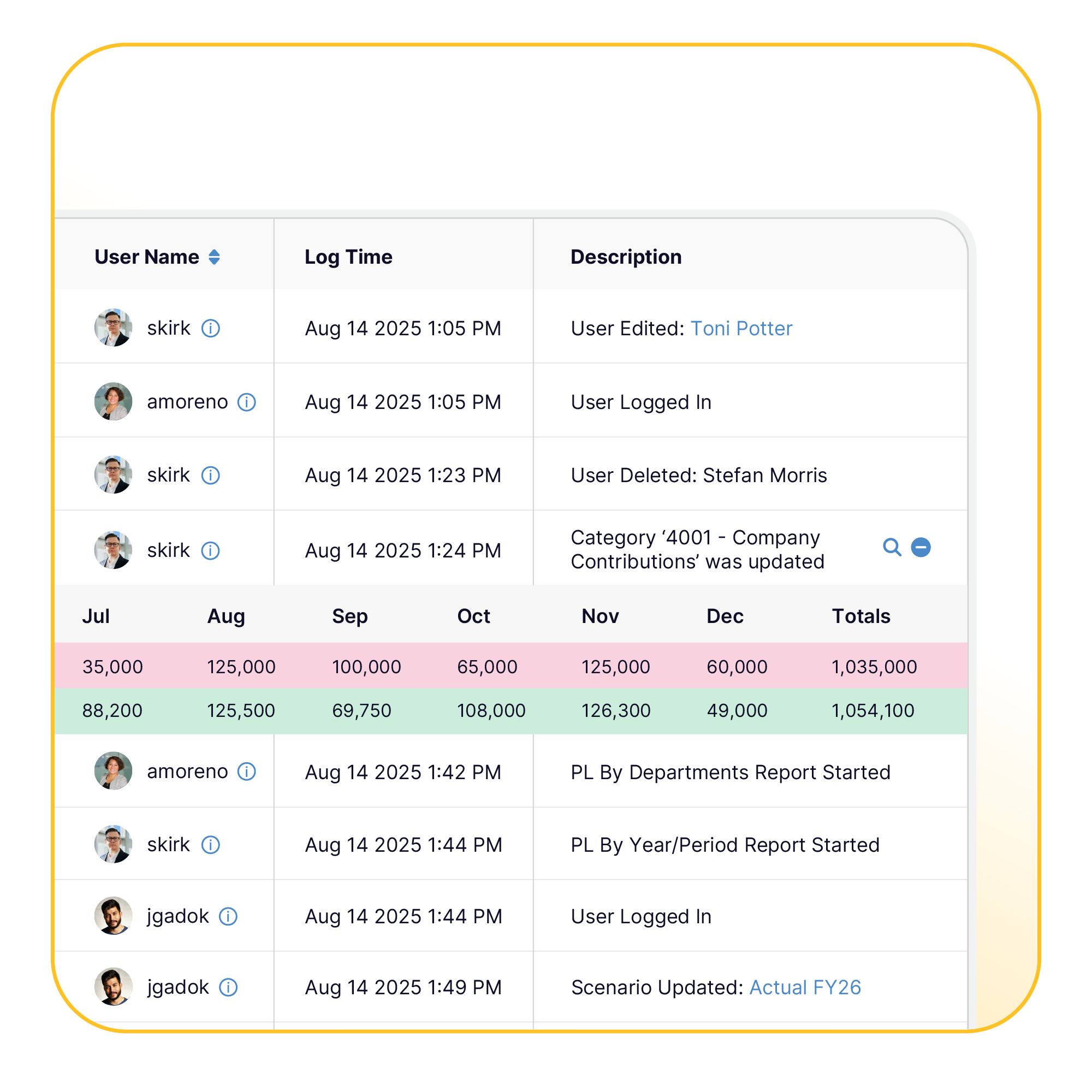
Why Finance Teams Move to Permission-Based Budgeting
We have never found a tool that is so easy to customize for multiple users with different levels of access at Budgyt's price point.

We've eliminated the distribution of monthly reports and budget information by e-mail or spreadsheet and simply have our recipients login to Budgyt.
We love that there are no limits to number of users.

This is the perfect tool to give employees access to the data they need from QuickBooks Online, without them being able to access everything else. It’s taken a ton of inquiries off my lap.
It is budgeting software where finance sets what each person can view, edit, and approve by role. Departments contribute to their own areas while payroll and other departments stay out of view.
Yes. Salary and payroll lines can be hidden from contributors while they build the rest of their department budget.
Yes. Finance sets and adjusts roles directly, with no server work for IT. Budgyt runs on AWS and supports single sign-on through Google, Azure, and Okta, with multi-factor authentication.
Board members get read-only reporting views. They see the numbers and reports they need for oversight, with no ability to change the budget.
Yes. When finance opens a reforecast, the same role-based access applies, and contributors update only their own departments.
No. Unlimited users are included, and adding contributors does not change the price.
Yes. The Free Pilot sets up your own structure so you can see role-based views and the read-only user-preview on your real data — not a demo file. No cost.