
Rolling Forecasts
Update your schedule as conditions change
Accounting software records what has already happened. Budgeting software helps your nonprofit plan what comes next. Most finance teams need both.
Finance leaders often ask whether a budgeting platform replaces their accounting system. The two tools answer different questions. Your accounting system tracks transactions and tells you where the money went. A budgeting platform looks forward: forecasting, modeling scenarios, and planning across departments and grants. This page explains the difference and where each one fits.
Two tools, one finance team.







Accounting software is built to record and report transactions: the general ledger, accounts payable and receivable, and the historical financial statements your auditors rely on. It is accurate about what has happened. Budgeting software starts where accounting ends. It takes your actuals and builds forward-looking plans: rolling forecasts, scenario models, and budgets across programs and funding sources. For nonprofits, that forward view is where grant planning, board reporting, and operational forecasting live.
| Accounting software | Budgeting software (Budgyt) | |
|---|---|---|
| Question it answers | Where did the money go? | Where is the money going? |
| Time frame | Records the past | Plans the future |
| Role | System of record | Planning layer on top |
| Core work | General ledger, AP and AR, financial statements | Rolling forecasts, scenarios, grant allocation, board reporting |
| Examples | QuickBooks, NetSuite, Sage Intacct, Business Central | Budgyt |
Your accounting system is the system of record. It captures transactions and produces the historical reports that compliance and audit depend on. QuickBooks, NetSuite, Sage Intacct, and Microsoft Dynamics 365 Business Central all do this job. What they are not built for is planning. Budgeting for a department or grant that does not yet exist sits outside their scope, as does reforecasting when funding shifts.
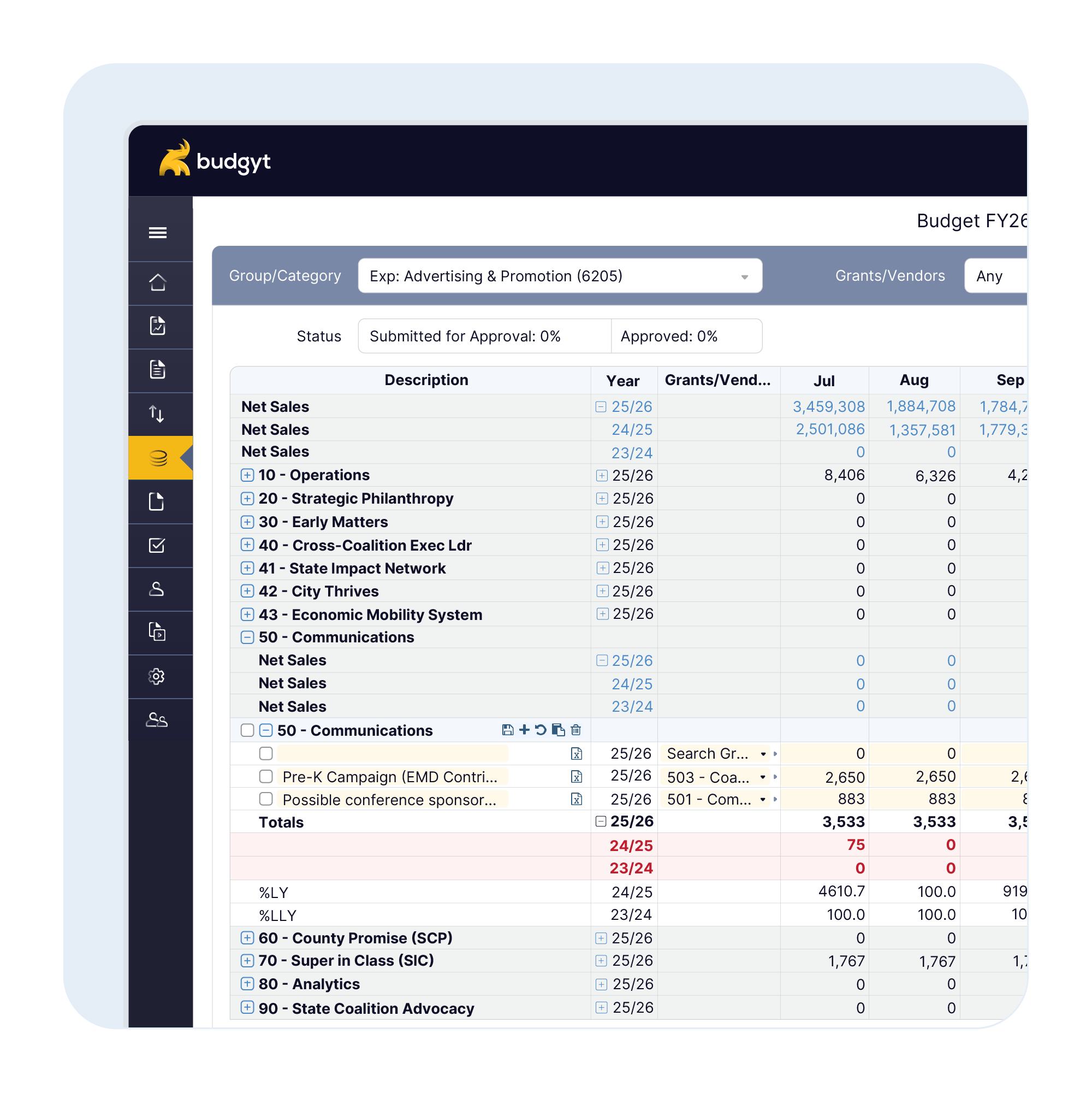
A dedicated budgeting platform handles forward-looking work that an accounting system isn’t built for. Budgyt sits on top of your accounting system as the planning layer:
Update your schedule as conditions change
Multi-grant payroll splits with restricted funds tracked natively
Unlimited versions to model the decisions in front of you
Unlimited users across programs and entities, with role-based permissions
Consolidated views and variance commentary, ready for the meeting
Direct sync with QuickBooks, NetSuite, Sage Intacct, and Business Central
For how that planning layer compares to enterprise FP&A, see nonprofit FP&A software
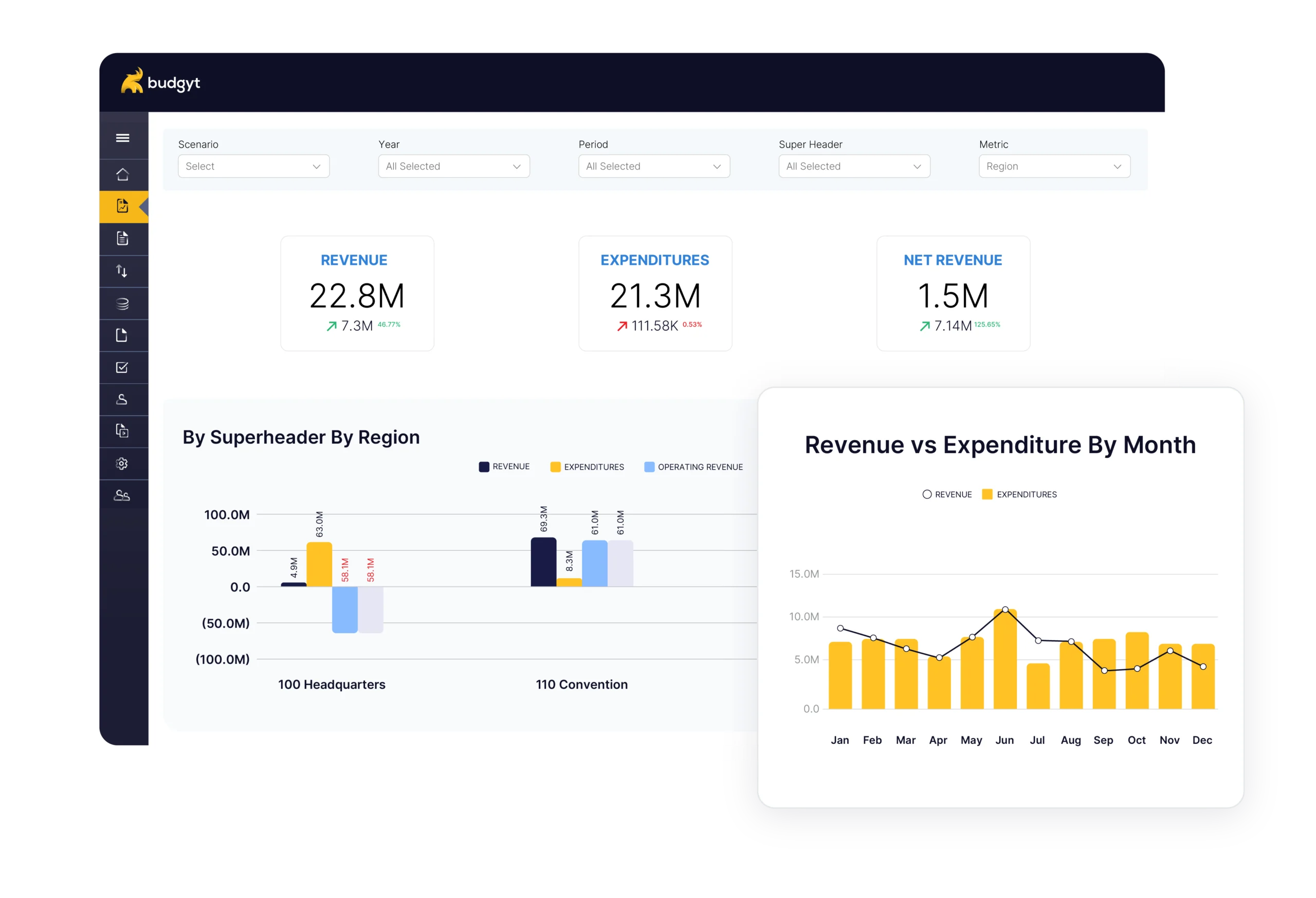
Budgyt complements your accounting system rather than replacing it. A deep API connection maps your chart of accounts, departments, and dimensions across, and lets you pull actuals in for budgeting on your schedule, without modifying your accounting data. Your accounting system stays the system of record, and Budgyt becomes the planning layer on top of it. As programs and grants grow, that planning layer keeps allocations consistent and the board able to see where the organization is heading.
For how that planning layer compares to nonprofit financial planning software
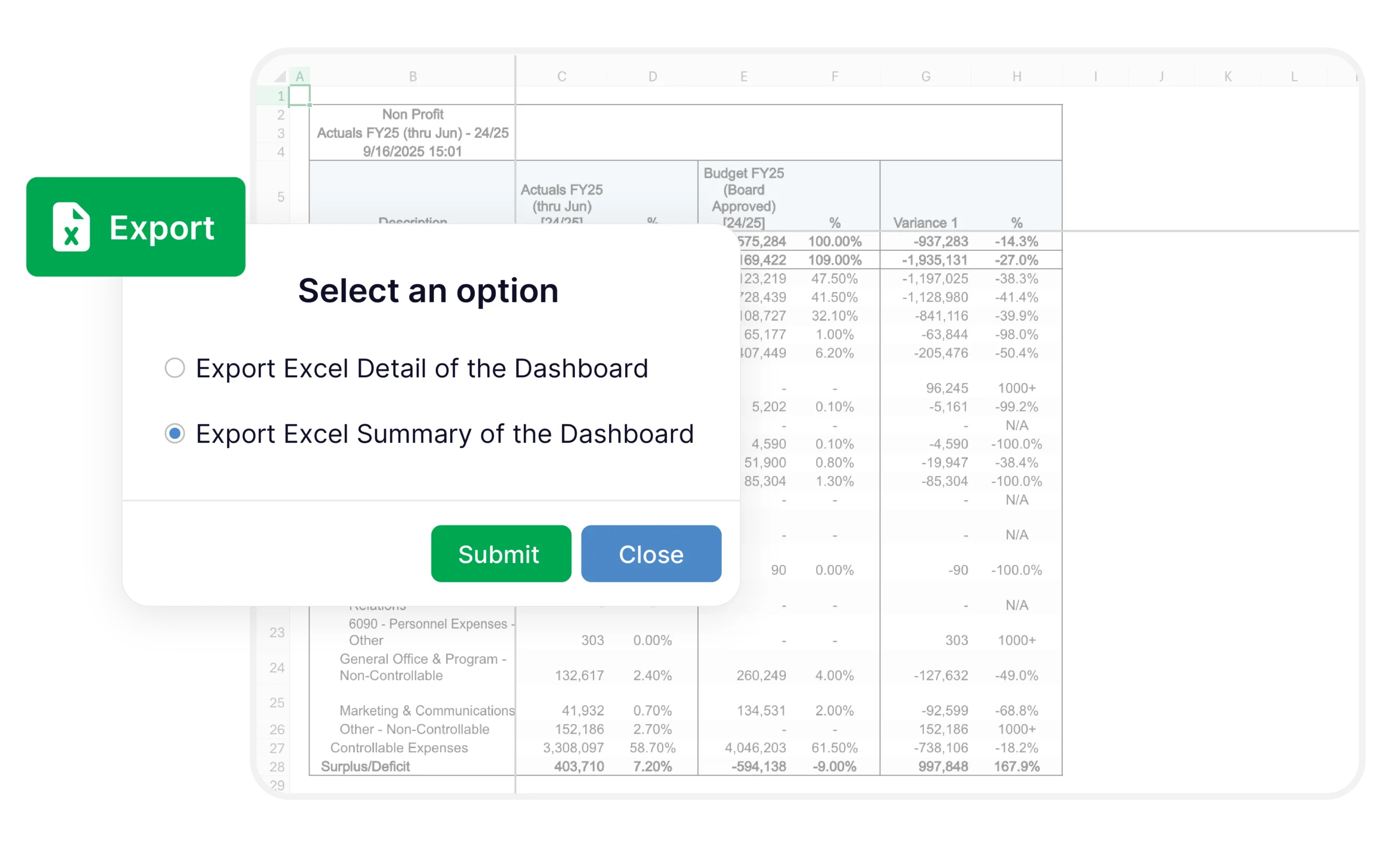
Most nonprofits start budgeting in Excel alongside their accounting system, and it works until the organization grows to 81 formulas on a single page with 48 people each keeping a slightly different copy. As funding sources multiply and reporting gets more complex, spreadsheet budgeting becomes a governance risk: a formula can break silently and no one gets an alert. Excel is a reporting tool, not a building tool. Budgyt removes that risk and sits below most procurement thresholds starting at $399/month with unlimited users, so adding it does not mean a quarter-long evaluation. “You’ve got to pray to God that no one ever breaks your formula.” — James
Adding Budgyt alongside your accounting system is done through API connections rather than lengthy technical builds, and most customers are fully functional within about two weeks.
Many companies have moved off Excel and onto Budgyt. The onboarding team walks you through your chart of accounts, your departments, and your reporting setup, with the knowledge base and same-day support available throughout.

Budgyt is absolutely worth it. Very competitive cost, great ease of use, quick and nearly painless implementation, intuitive use, flexible import and export function, rich in features, flexible, stable cloud environment, useful search feature, strong cost allocation functions, and excellent support from the Budgyt team.
We rely on a flexible approach to managing our finances, so it is critical to have data organized and presented the way we need it. Budgyt is highly customizable and can fit most, if not any, account structure.

Both our finance team and our budget discussions have been dramatically more efficient. Automatic consolidation on the cloud allows our decision makers to view bottom-line impacts in real-time for much more strategic business planning.
Accounting software records transactions and produces historical financial statements. It tells you what has happened. Budgeting software is forward-looking: it builds forecasts, models scenarios, and plans budgets across departments and grants. Accounting is the system of record; budgeting is the planning layer. Most finance teams use both.
No. Budgyt complements your accounting system rather than replacing it. It connects to QuickBooks Online and Desktop, NetSuite, Sage Intacct, Microsoft Dynamics 365 Business Central, and others, pulls your actuals in for budgeting, and leaves your accounting data untouched.
FP&A stands for financial planning and analysis. For nonprofits, FP&A software handles forecasting, scenario planning, grant allocation, and board reporting, all of which sit on top of the accounting system rather than inside it. It is the planning and analysis layer that a nonprofit finance team uses to plan and analyze the future.
Spreadsheets work for budgeting until a nonprofit scales. As grants, departments, and funding sources multiply, spreadsheet dependency becomes a governance risk: formulas break, allocations drift, and audit trails get lost. A database-based platform keeps allocations consistent and calculations traceable without having to rebuild every cycle.
Budgyt connects through an API that maps your chart of accounts, departments, and dimensions. Imports run on demand under your control, with you deciding when to bring actuals in. Your accounting system always remains the untouched source of record.
Yes. The Free Pilot rebuilds your own budget in Budgyt so you see your numbers, not a demo file — at no cost. Send us your spreadsheet to start.