
Built for a nonprofit structure
Budgyt is built around grants, funds, programs, and departments rather than a generic corporate hierarchy. Restricted and unrestricted funds remain separate, and costs are allocated across grants as funders expect.
A practical guide to choosing budgeting software built for grants, programs, and board reporting, not enterprise overhead.
Most nonprofit finance teams reach a point where spreadsheets stop keeping up. Grants change mid-year, programs multiply, and the annual budget no longer matches what is happening on the ground. The best budgeting software for a nonprofit is the one that handles that complexity without the cost and implementation weight of an enterprise FP&A platform. This page walks through the criteria that matter, then shows where Budgyt fits.
Trusted by nonprofit finance teams managing grants, programs, and board reporting.










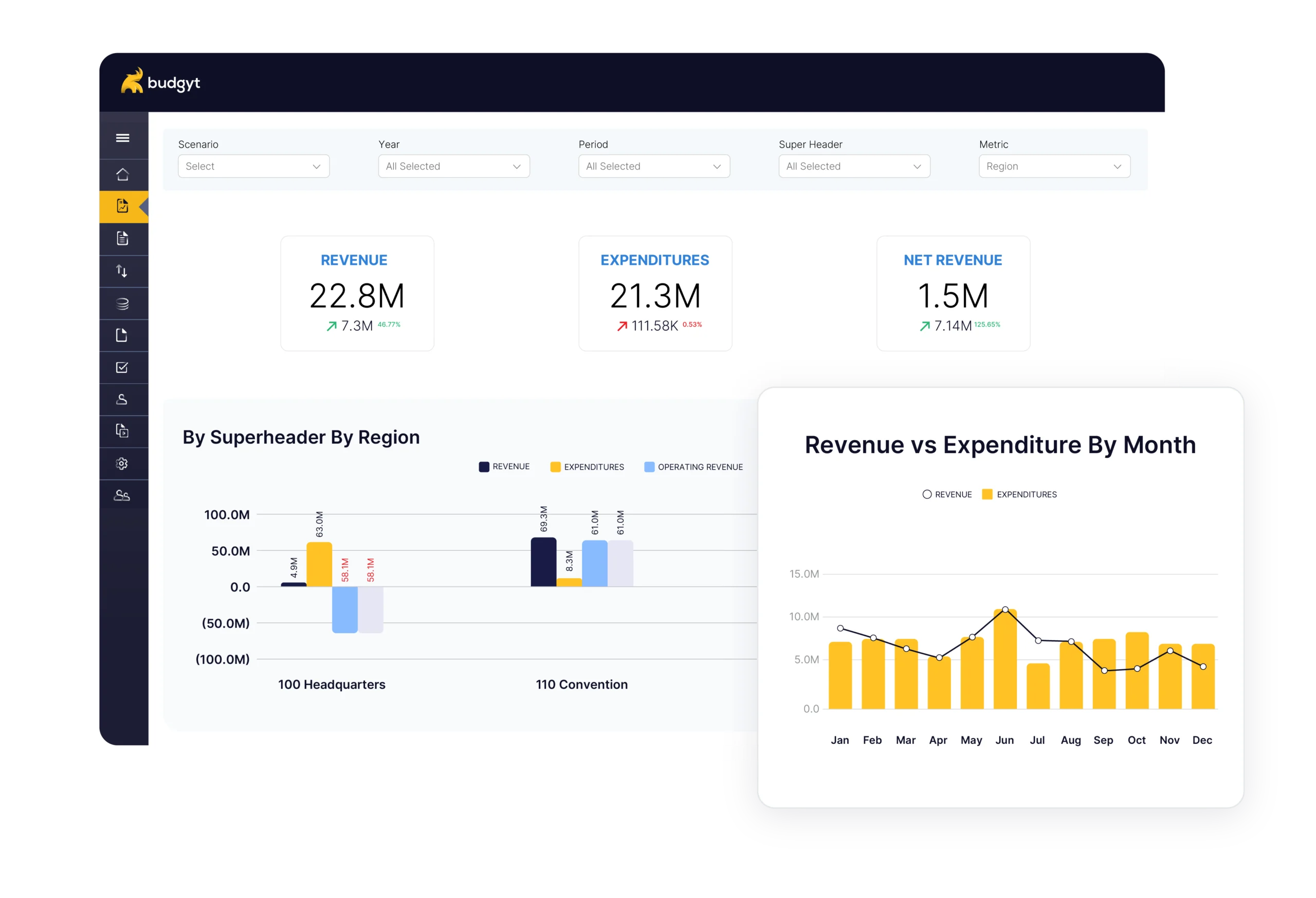
“Best” is not a single feature. For a nonprofit finance team, it comes down to whether the software aligns with how the organization is funded and governed. Six criteria separate software that fits from software that fights you:
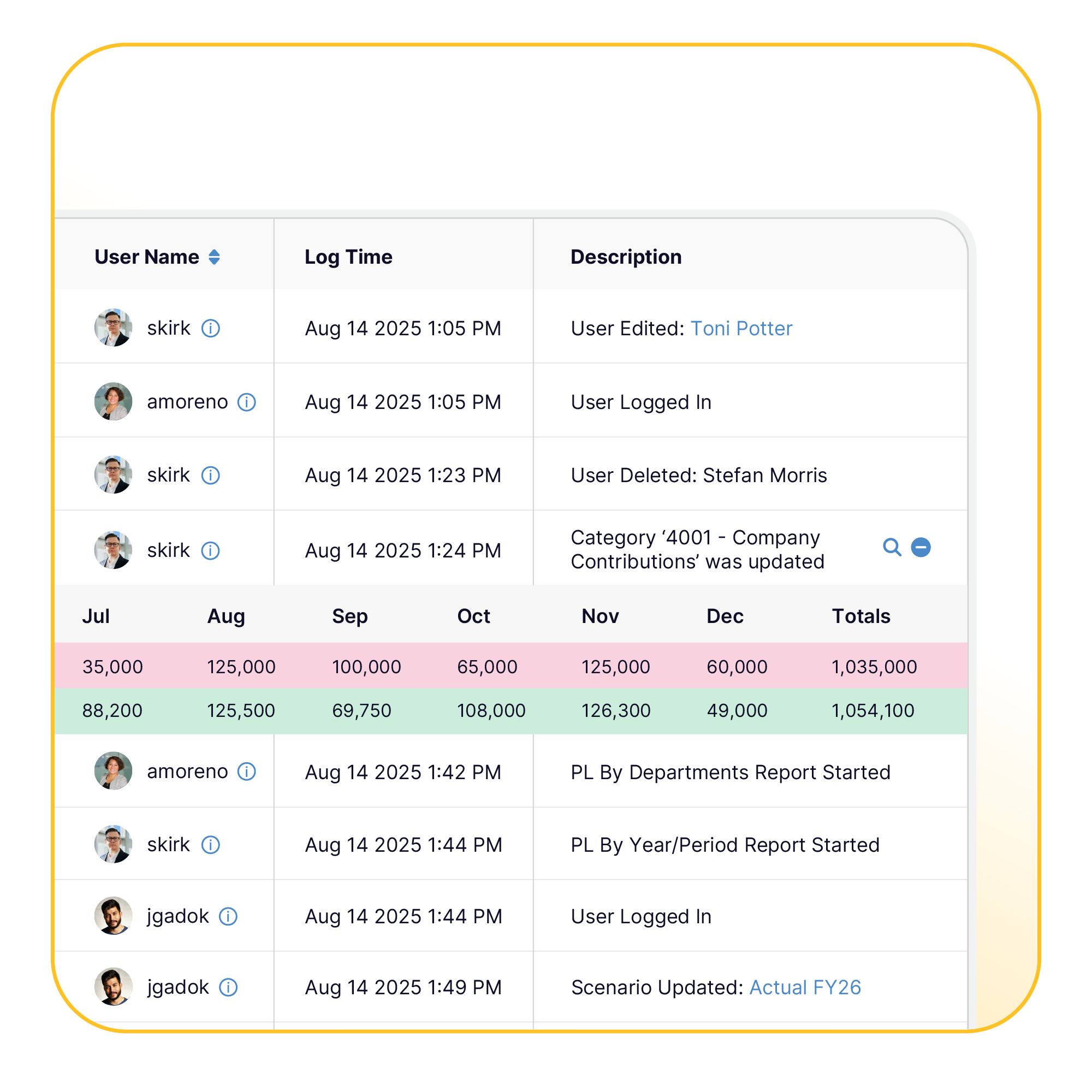
Spreadsheets work until the organization outgrows them. As programs and funding sources multiply, a single workbook turns into a web of linked tabs that only one person fully understands, and splitting staff costs across grants in formulas is where errors quietly accumulate. Those errors tend to surface at the worst moment, when a funder asks how a figure was reached and tracing it through spreadsheet history proves slow and rarely clean.
The annual cycle adds its own strain. When a grant ends early or a new one lands, the budget is already out of date, and rebuilding it by hand takes days. Collaboration makes it harder still, because emailing workbooks creates version confusion that finance has to untangle before anyone can trust the totals. When leadership wants a clear view of where the organization stands, assembling it from raw spreadsheets every cycle becomes a job in itself. Budgeting software built for this work removes those pressures altogether.
Budgyt is built around grants, funds, programs, and departments rather than a generic corporate hierarchy. Restricted and unrestricted funds remain separate, and costs are allocated across grants as funders expect.
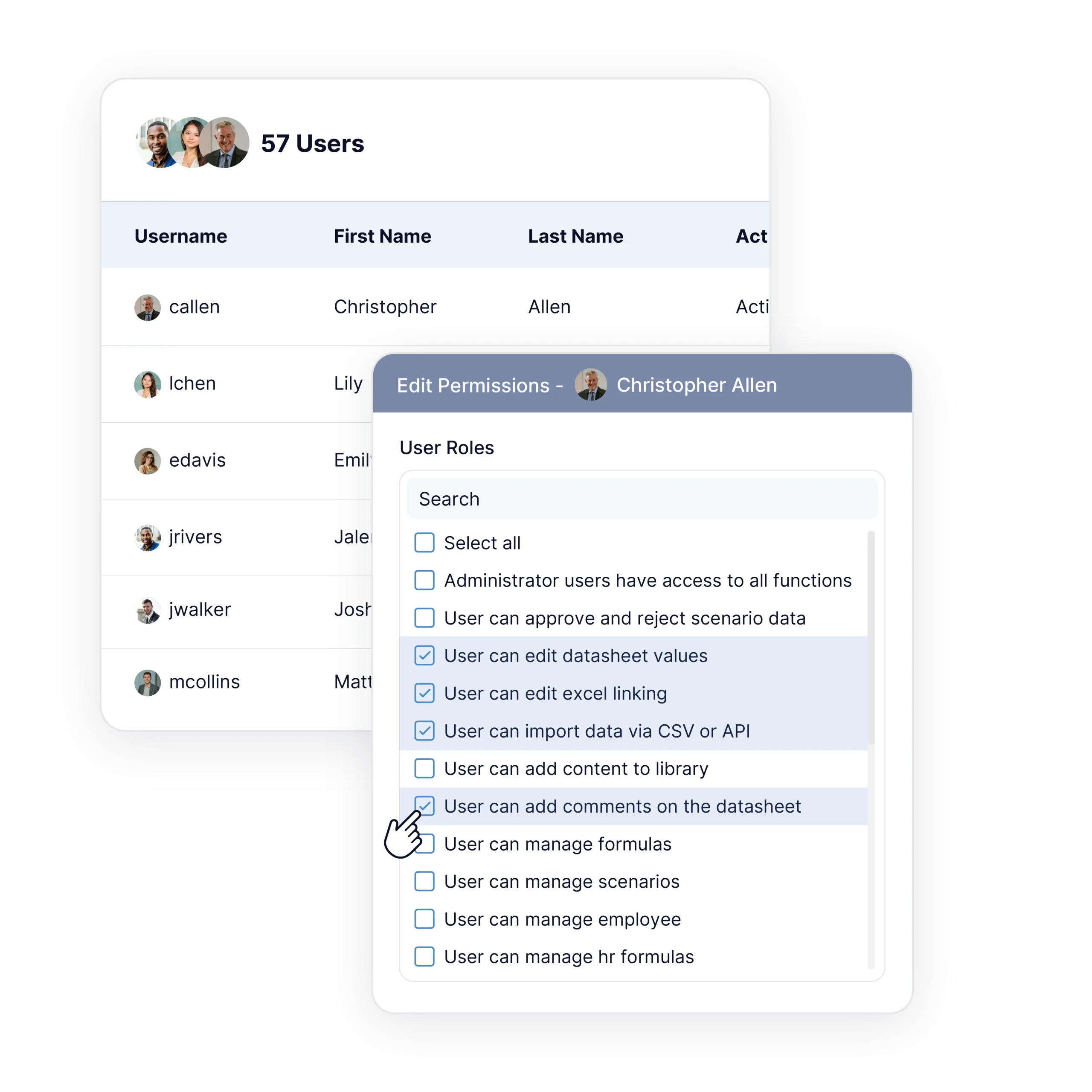
Pricing does not change as you add people. Department heads and program leads contribute their own numbers in a single workspace, with role-based permissions that keep salary details visible only to those who should see them.
At $399/month with unlimited users, Budgyt sits well under enterprise FP&A pricing, and setup takes about two weeks, well short of an enterprise rollout.
| Consideration | Spreadsheets | Enterprise FP&A platforms | Budgyt |
|---|---|---|---|
| Grant and fund allocation | Manual formulas are error-prone | Capable, often configured at cost | Built-in, restricted and unrestricted separated |
| User pricing | Free but unmanaged | Often per-seat | Unlimited users included |
| Board reporting | Rebuilt by hand | Strong, after configuration | Board-ready reporting available |
| Accounting integration | Manual export and import | Available | Connects to QuickBooks, Sage Intacct, NetSuite, and others, on demand |
| Annual cost | Low license, high labor | Enterprise pricing | $399/month |
| Implementation | None, but ongoing maintenance | Weeks to months | About two weeks |
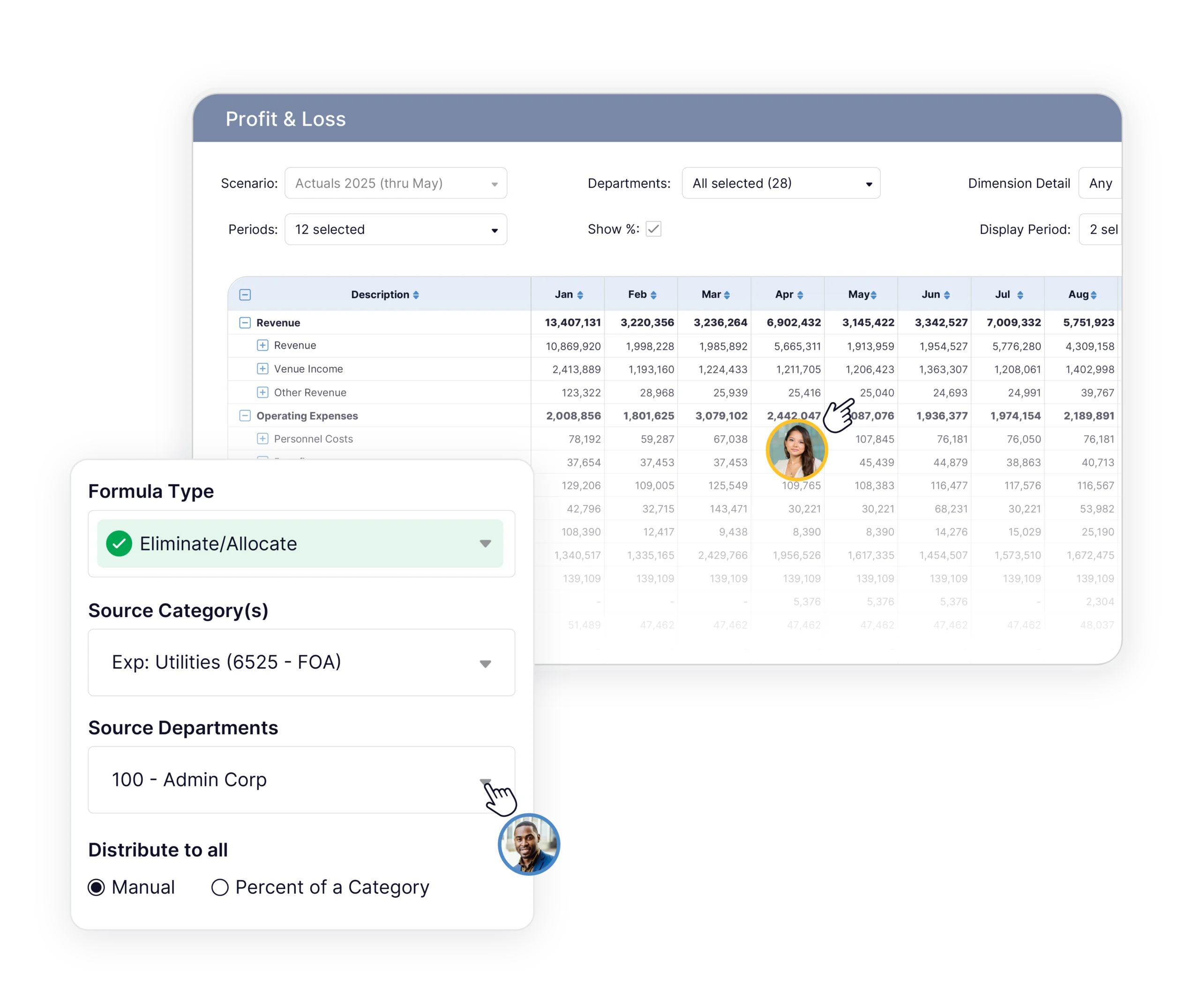
Budgyt fits nonprofit finance teams that have outgrown spreadsheets but do not need a global enterprise platform. That includes organizations managing multiple grants and programs, teams that want department heads to contribute directly, and finance leaders who need board-ready reporting without a lengthy implementation.
There are cases where Budgyt is not the right choice. If you need cross-currency consolidation across many international entities, or you are planning SaaS revenue with deep subscription modeling, an enterprise platform is the better fit. Saying that plainly is part of helping you choose well.
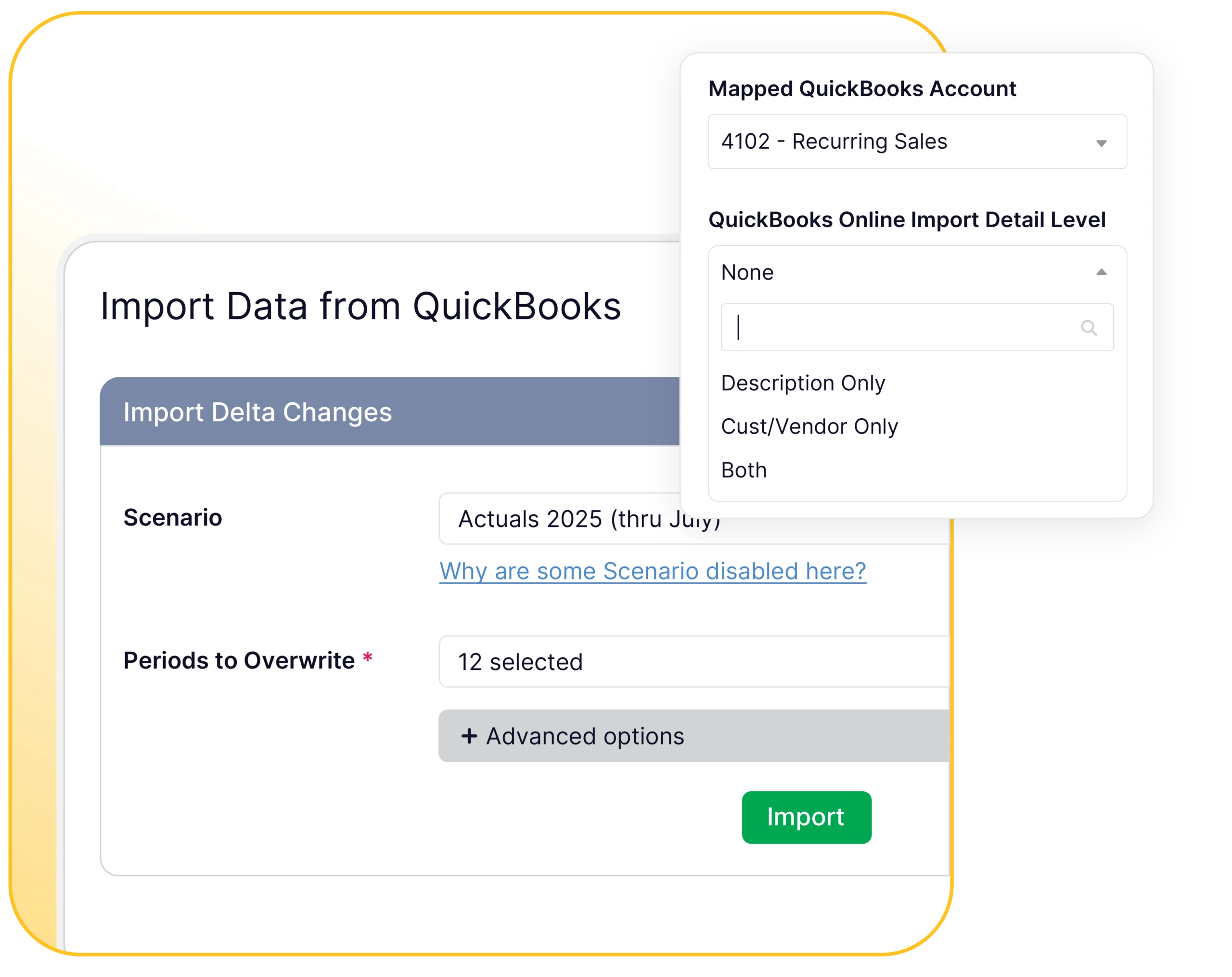
Setup happens through API connections to your accounting system, not a long technical build. Most customers are fully functional in about two weeks, with Budgyt’s team handling the data plumbing while your finance team focuses on planning. There are no server installations or infrastructure changes to manage.
Budgyt’s onboarding team walks you through your chart of accounts, your departments, and your reporting setup.

Budgyt provides our leaders with an easy, self-service interface for their financial data. It empowers them to do their own analysis and saves the finance team a lot of time answering questions.
We rely on a flexible approach to managing our finances, so it is critical to have data organized and presented the way we need it. Budgyt is highly customizable and can fit most, if not any, account structure.

Both our finance team and our budget discussions have been dramatically more efficient. Automatic consolidation on the cloud allows our decision makers to view bottom-line impacts in real-time for much more strategic business planning.
The best fit is the software that matches how your organization is funded and governed: grant and fund handling, unlimited users, board reporting, accounting integration, forecast flexibility, and a price that fits a nonprofit budget. Budgyt is built around those points for mid-market nonprofit finance teams.
Grant allocation across multiple funding sources, separation of restricted and unrestricted funds, and funder-ready reporting. General tools rarely handle these without heavy manual work.
Yes. Costs allocated across grants, restricted and unrestricted funds stay separate, and grant-specific reports can be produced for funders.
Pricing starts at $399/month and includes unlimited users. Cost scales by departments and programs rather than per seat.
No. Budgyt works alongside accounting systems such as QuickBooks, Sage Intacct, and NetSuite, pulling actuals as needed. It is the planning and budgeting layer, not a replacement for accounting.