
Restricted and unrestricted, kept separate
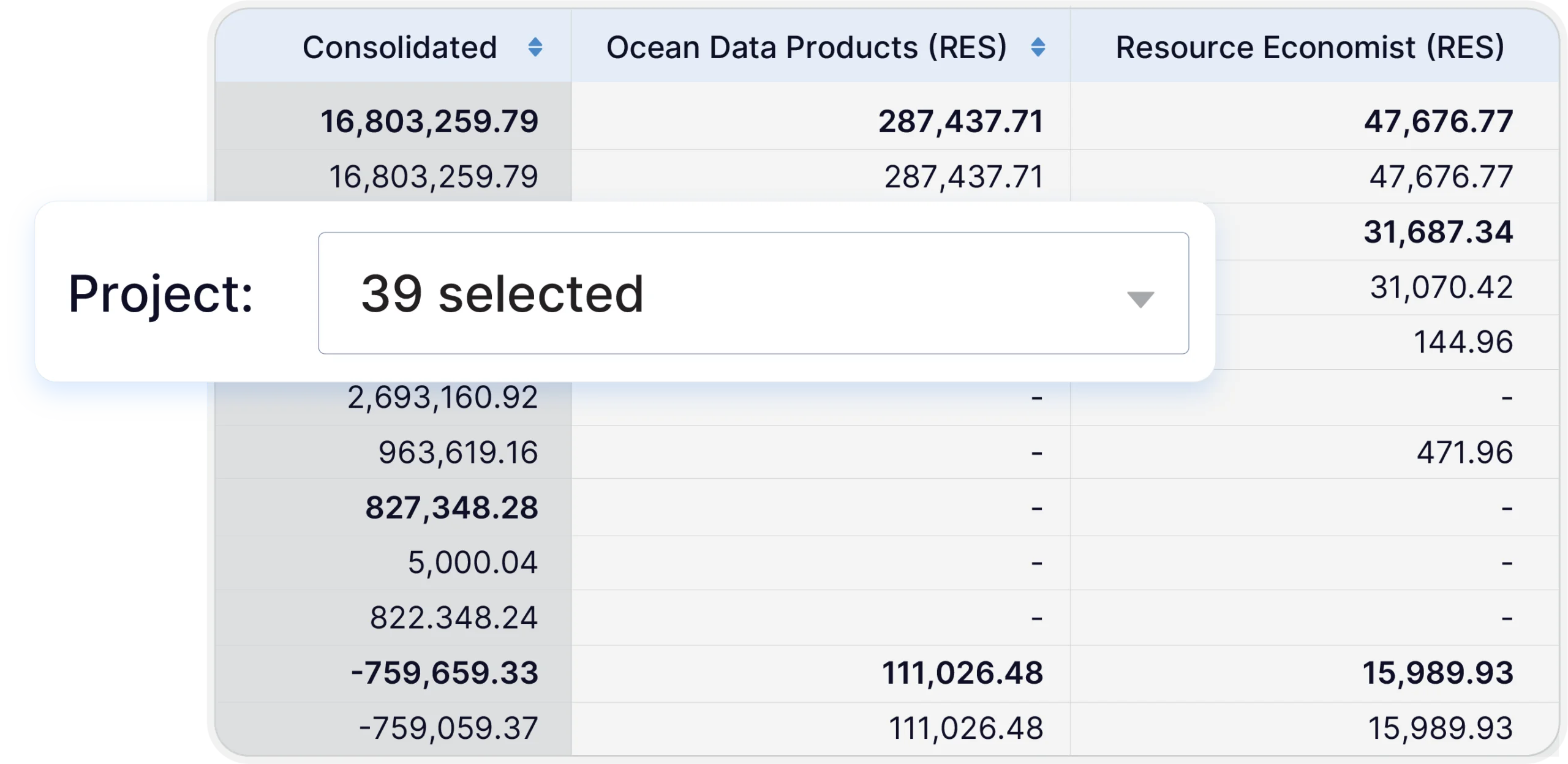
Restricted grant money is tracked against what the funder approved and kept apart from unrestricted operations, which keeps spending inside each funder’s rules.
Grant funding puts obligations on your budget that a general operating budget was never built to hold.
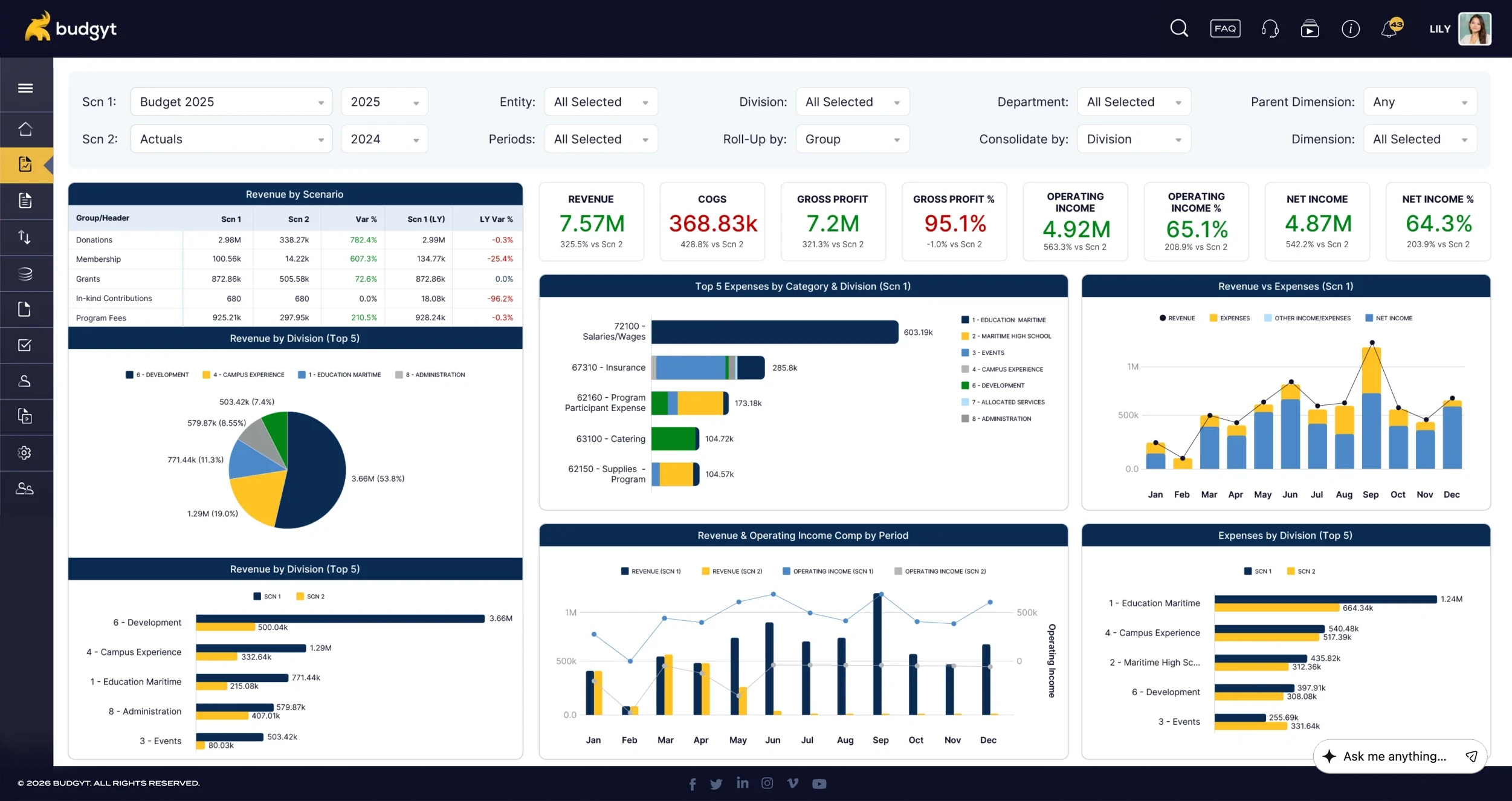
Budgeting software for grant-funded organizations keeps every grant, its restrictions, and its reporting rules in one place instead of scattered across spreadsheets.
Used by organizations managing grants and restricted funding.










For a grant-funded organization, every dollar carries a source and a set of rules. Restricted funds can only be used for what the funder approved, and they must remain separate from unrestricted funds. Grants run on their own periods and reporting calendars, and indirect cost rates vary from one funder to the next. Spread that across spreadsheets, and it holds together on memory and manual care, until an error surfaces in an audit or a funder report. Losing a grant due to a reporting mistake is what every finance team works to prevent.
Grant-funded organizations often keep a separate workbook for each funder, each with its own structure and reporting rules. Reconciling those files at reporting time is a job in itself, and it is where mistakes tend to surface. Budgyt consolidates all grants on a single platform. Finance works from a single source rather than a file per funder, and each grant keeps its own periods and reporting requirements while the organization sees the whole picture in one place.
| Before Budgyt | With Budgyt | |
|---|---|---|
| Where grants live | A separate workbook per funder | Every grant in one platform |
| Reconciliation | Done by hand at reporting time | One source, no rekeying |
| Funder reports | Reformatted from a general budget | Drawn from the same data |
Restricted grant money is tracked against what the funder approved and kept apart from unrestricted operations, which keeps spending inside each funder’s rules.
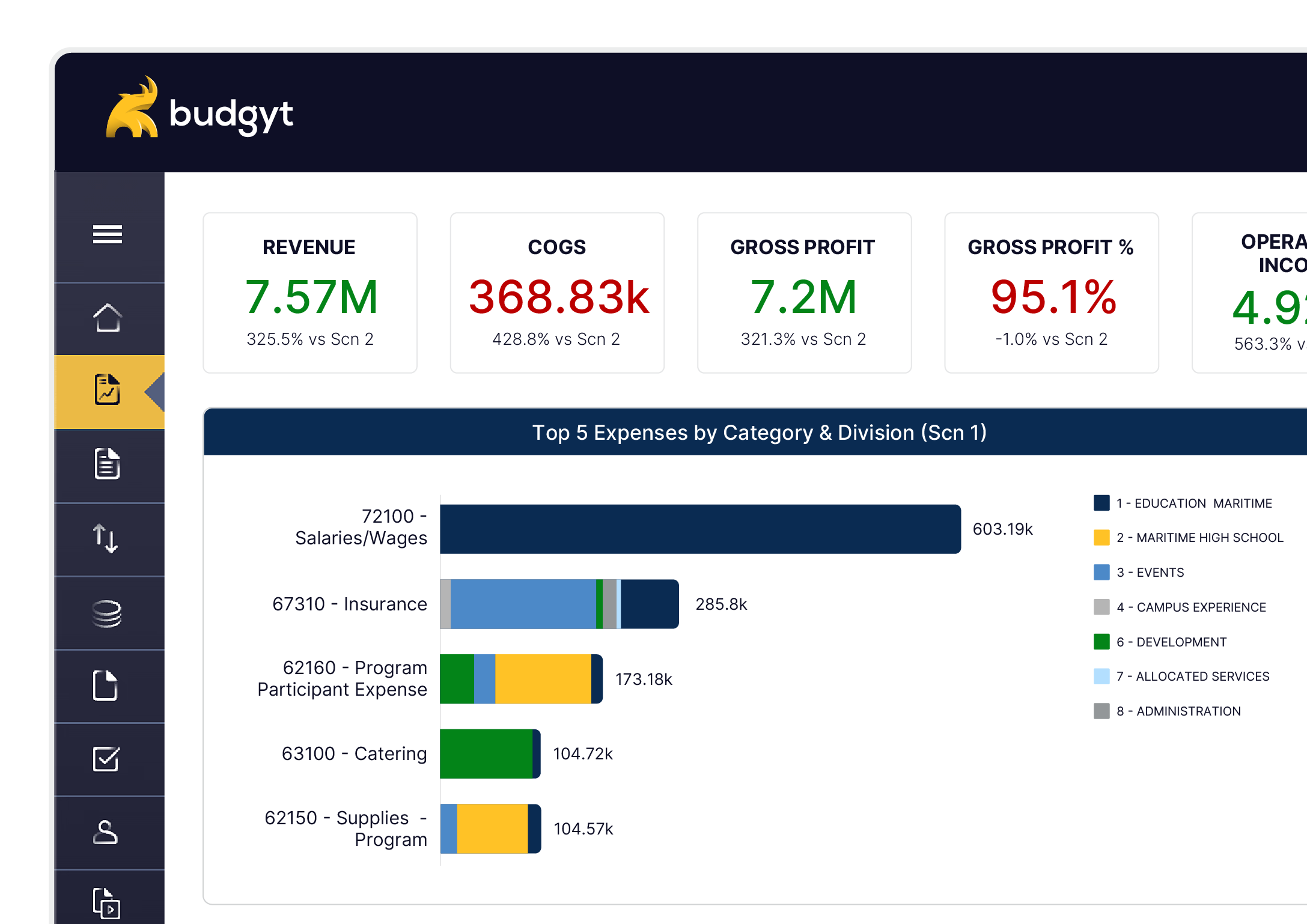
Produce reports shaped to each grant and funder rather than reformatting a general budget by hand. The figures tie back to the allocations behind them.
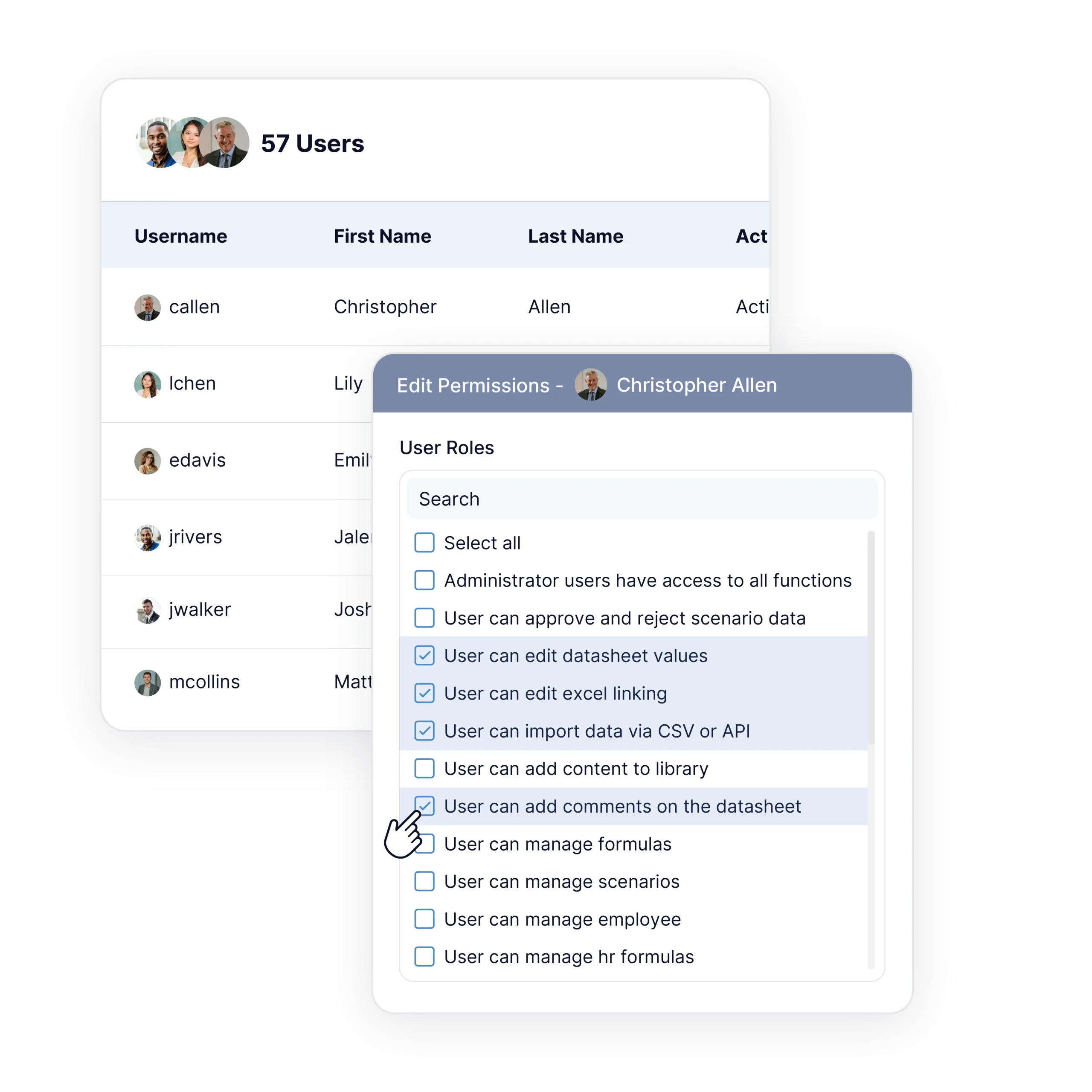
Program heads contribute to their grant budgets without seeing the organization’s overall salary figures. Finance keeps sensitive detail controlled.
| Grant Budgeting Task | Excel | Budgyt |
|---|---|---|
| Allocating staff across grants | Manual formulas, rebuilt on every change | Set percentages once, change in one place |
| Restricted vs unrestricted | Tracked by hand | Kept separate by design |
| Funder reports | Custom-built per grant | Grant-specific reports from one dataset |
| Audit trail | Hunt through tabs | Trace any figure to its source |
| Funding changes | Days to rework | Reforecast in place |
| Fund type | How Budgyt treats it |
|---|---|
| Restricted | Tracked against each funder's approved uses, kept separate |
| Unrestricted | General operations |
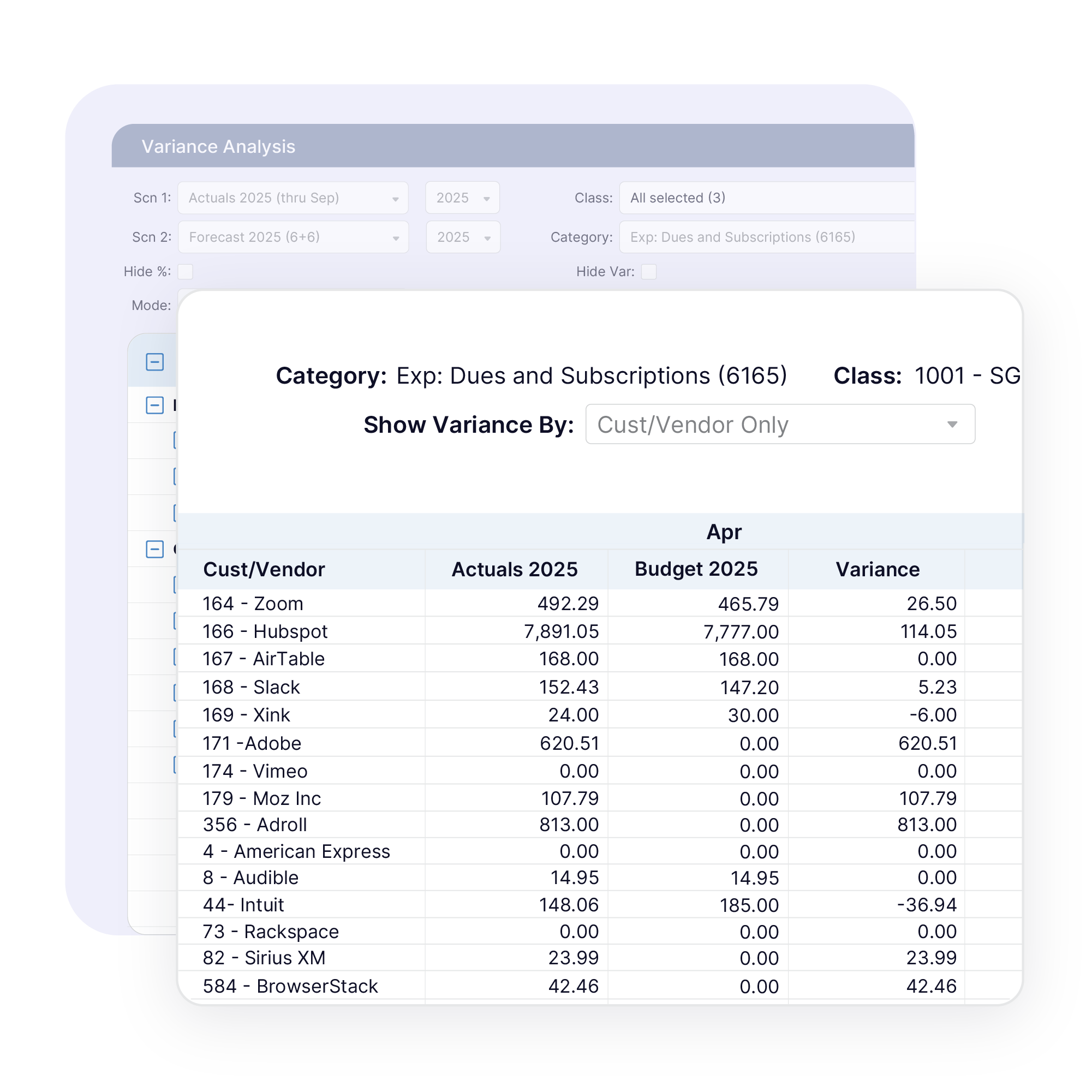
Every allocation in Budgyt traces back to the split behind it. When an auditor or funder asks how a figure was reached, the answer sits in the system, not in someone’s memory of last spring’s spreadsheet. Restricted funds show clearly against their approved uses, and audit readiness is there from the start instead of assembled at year-end.
Budgyt is for finance teams at organizations where grants drive the budget, from nonprofits managing restricted funds to groups running programs across several government or foundation funding sources. If your team splits payroll across grants and has to prove the split later, or your budgeting time goes to reconciling funder requirements rather than planning, Budgyt is built for the way you work.
Grant-funded budgeting exposes every weakness in a spreadsheet:
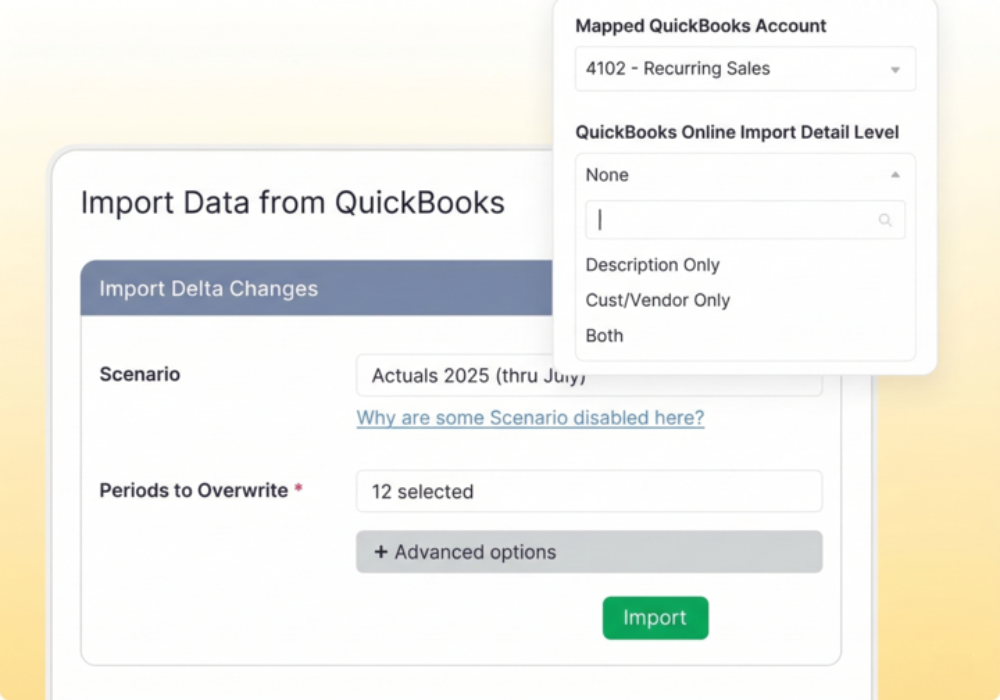
Setup happens through API connections to your accounting system. Most customers are fully functional in about two weeks, with Budgyt’s team handling the data plumbing while your finance team focuses on planning. There are no server installations or infrastructure changes to manage.
Budgyt’s onboarding team walks you through your chart of accounts, your departments, and your reporting setup.

This is the perfect tool to give employees access to the data they need from QuickBooks Online, without them being able to access everything else. It’s taken a ton of inquiries off my lap.

We have never found a tool that is so easy to customize for multiple users with different levels of access at Budgyt's price point.
Now we no longer have to generate reports in Quickbooks and send them to users so that they can parse the data.
Yes. Indirect cost rates differ by funder, and Budgyt lets you apply the right treatment to each grant rather than forcing one rate across the board.
Restricted funds are tracked against their approved uses and kept separate from unrestricted operations, which keeps spending within each funder’s rules.
Yes. Grants run on their own periods and reporting calendars within Budgyt, rather than being forced into a single fiscal view.
You set the percentage of a role’s cost that each grant covers, and Budgyt allocates the salary accordingly. Change the split once for every affected budget and report updates.
Yes. Each allocation traces back to the split behind it, and figures can be explained when an auditor or funder asks.
Yes. Grant-specific reports can be produced for each funder, tied to the allocations behind the numbers.
Yes. Budgyt connects to systems such as QuickBooks, Sage Intacct, and NetSuite, importing actuals on demand.