Trusted by nonprofit finance teams

Approval Flow

The path every budget follows

How a Budget Moves From Draft to Approved

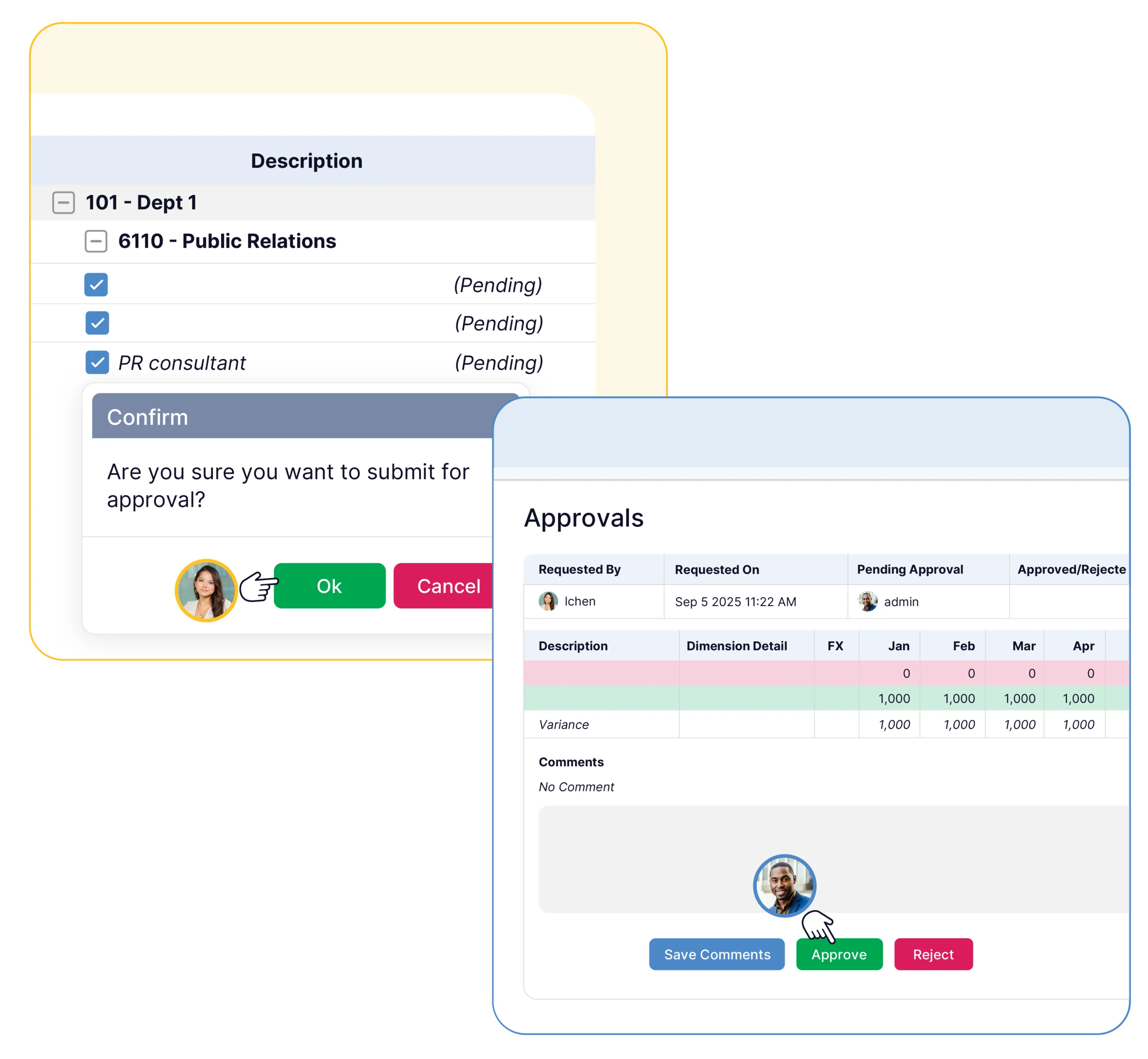
Each budget follows the same path, and everyone can see where it stands. Finance owns the sequence from draft through sign-off and locking.

  • Draft: a department builds its budget
  • Department review: the program head submits for review
  • Finance review: finance checks the budget and requests changes or approves
  • Approved and locked: the version is fixed for the cycle
Off email and shared files

Approvals Without Email and Spreadsheet Chains

Email approvals leave finance reconstructing who agreed to what from a thread of attachments. Budgyt keeps the request, the comments, the approval, and the lock in one place.

Step Manual Approach In Budgyt
Submit budget Email a workbook to finance Submit in the platform
Track changes Compare file versions by hand Tracked change history
Request edits Reply with notes Comments on the budget
Approve Verbal or email sign-off Recorded approval
Lock Hope no one edits the file Version locked after approval

Permissions & Approvals

Unlimited users contributing to a nonprofit budget in Budgyt
Who can submit and approve

Who Can Submit, Review, and Approve?

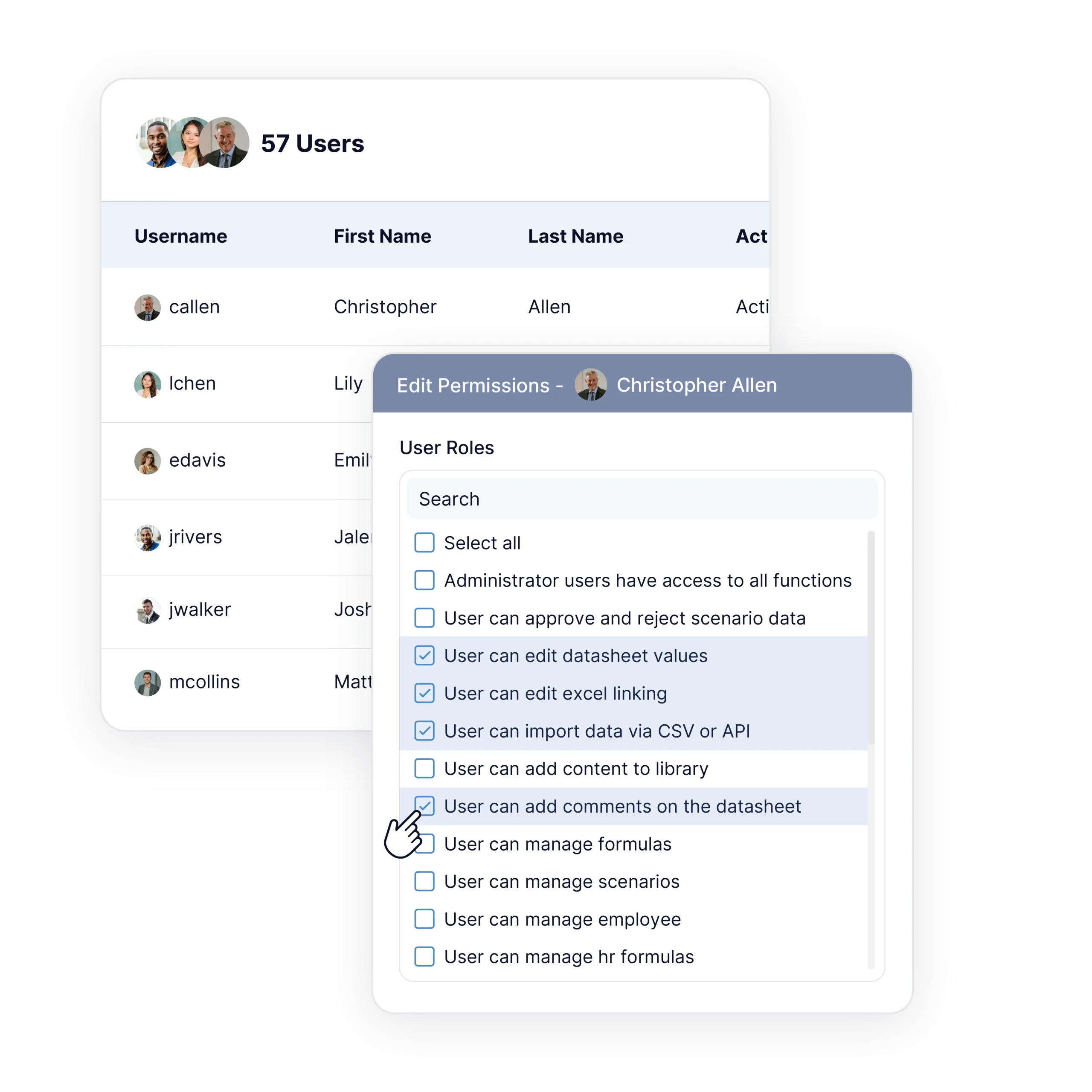
Approval rights follow role-based permissions. Finance decides which roles can submit a budget, which can review it, and which can give final approval, and each action is tied to a named user.

Departments and finance together

Departments Submit, Finance Reviews

Program heads submit their own departments and finance reviews them in one place, with unlimited users included. Collaboration runs through the workflow rather than around it in side conversations.

Book a Demo Purpose-built for finance leadership teams
Approving mid-year changes

Approving Changes When Funding Shifts

Grants and funding rarely hold steady through the year. When numbers change, finance opens a reforecast, contributors update their departments, and the revised plan goes through the same review and approval path. This connects closely to rolling forecasts.

A record the board can follow

Sign-Off the Board and Auditors Can See

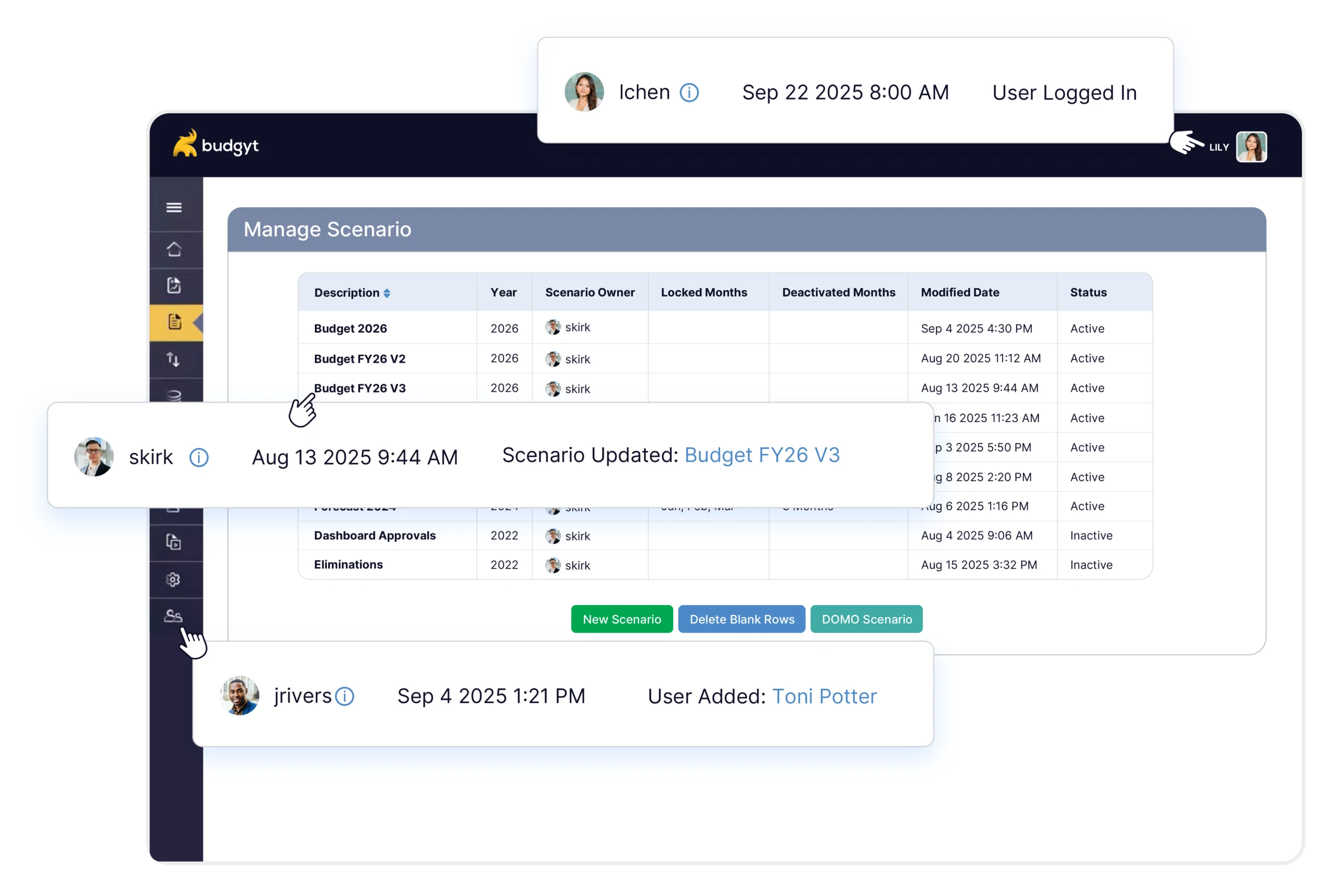
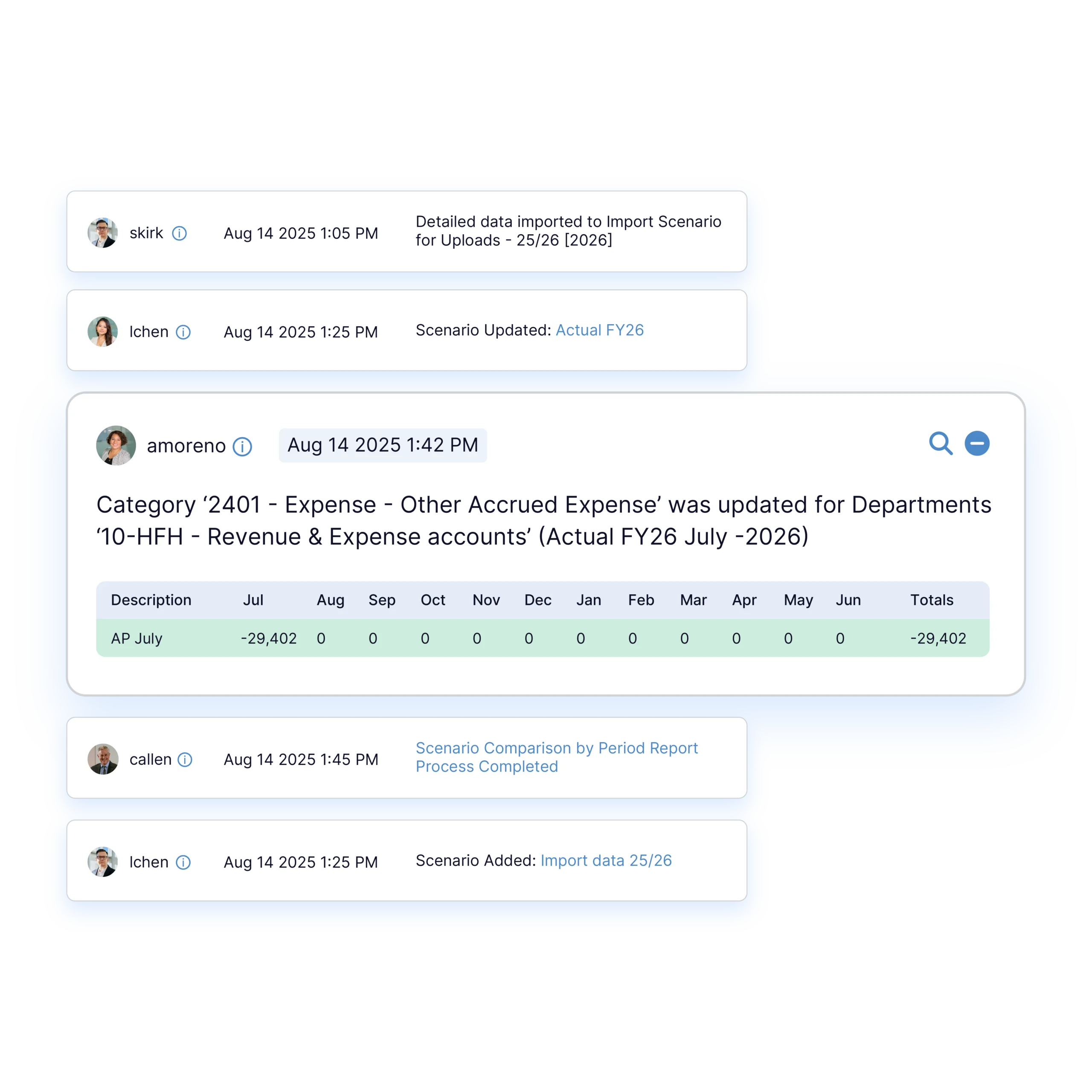
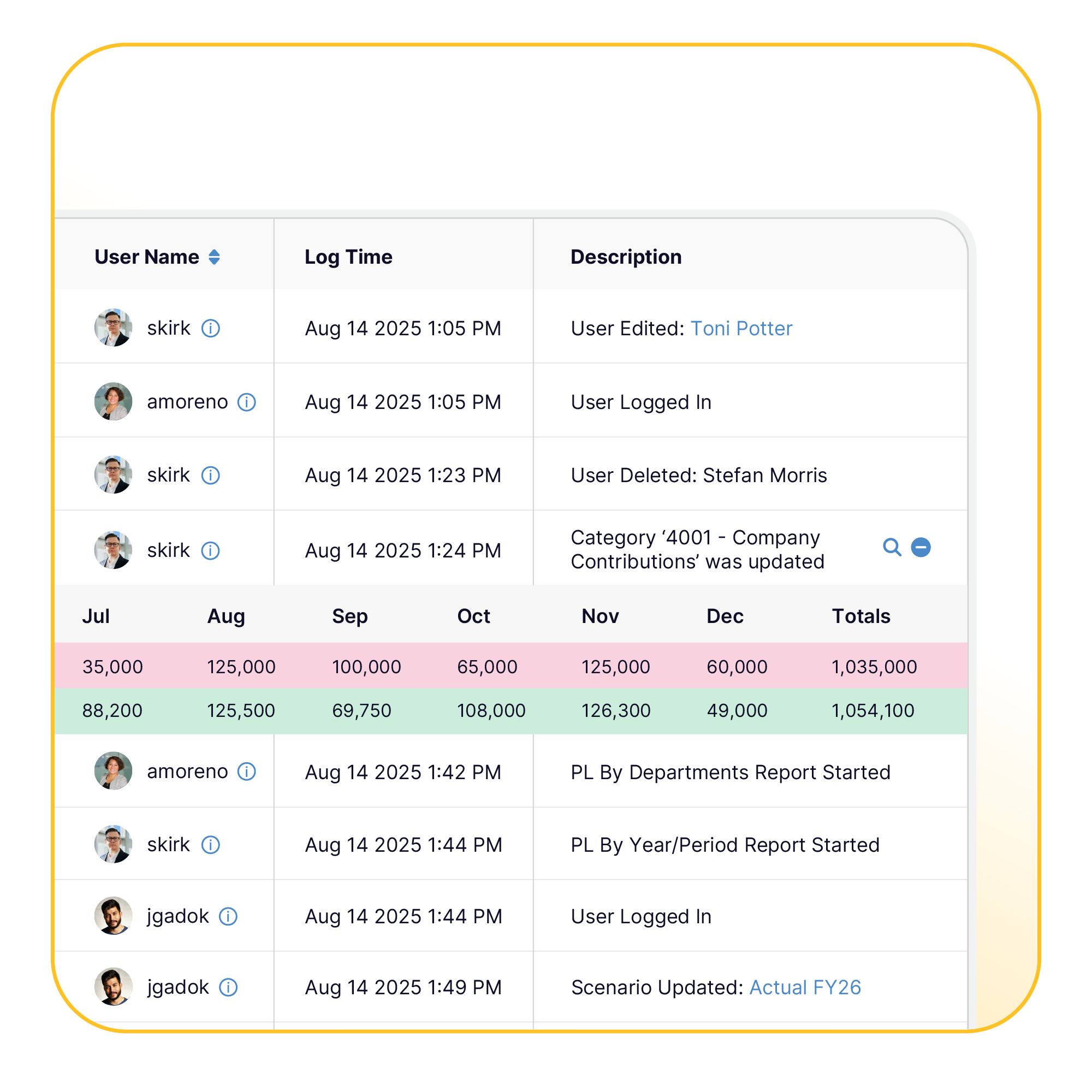
Approvals are recorded with the approver and date, and locked budgets cannot be changed without finance reopening them. The same record supports board reporting and audit, and it ties back to live financial planning and grant-funded budgeting.

Implementation & Onboarding

Workflows live quickly

Approval Workflows Set Up During Onboarding

Finance defines the approval path during onboarding, and every budget follows it from then on. Most teams are set up in about two weeks with our help.

No heavy configuration

Workflows Without a Configuration Project

Setting up approvals does not require a technical project or outside consultants. A Budgyt specialist helps map your steps during onboarding, and finance can adjust them later without IT.

The case for structured approvals

Why Teams Switch

Why Finance Teams Replace Manual Approvals

  • Every approval has a clear owner and date
  • Approved budgets stay fixed until finance reopens them
  • The change history is ready for auditors and the board
What nonprofit finance leaders say

Trusted by Nonprofit Finance Teams

We have never found a tool that is so easy to customize for multiple users with different levels of access at Budgyt's price point.

Amy McPherson, Chief Executive Officer

We adopted Budgyt as a budgeting solution to replace Excel, but it has become so much more than that. It’s our tool of choice for budgeting, forecasting, and analysis, and it is incredibly accessible and easy.

Tom Ducary, Controller

We've eliminated the distribution of monthly reports and budget information by e-mail or spreadsheet and simply have our recipients login to Budgyt. 

We love that there are no limits to number of users.

Mark Donovan
Common Questions

Frequently Asked Questions

How do budget approval workflows work in Budgyt?

A department drafts its budget and submits it, finance reviews and approves or requests changes, and the approved version is locked for the cycle. Each step is recorded.

Who can submit, review, and approve a budget?

Access follows role-based permissions. Finance decides which roles can submit, which can review, and which can give final approval, and each action is tied to a named user.

Can an approved budget be changed after it is locked?

Not without finance reopening it. A locked version stays fixed until finance opens a controlled reforecast.

Is there a record of who approved a budget and when?

Yes. Each approval is recorded with the approver and date, alongside a tracked history of changes.

How are approvals handled when funding changes mid-year?

Finance opens a reforecast, contributors update their departments, and the revised plan goes through the same review and approval path.

Does this replace email and spreadsheet approval chains?

Yes. Submission, comments, approval, and locking happen in one place instead of across email threads and shared workbooks.

See Budgyt in Action Book a demo to see approvals move from a department draft through finance sign-off and locking, with reforecasts handled the same way.