Excel built your first budget, and probably your tenth. At some point, though, the spreadsheet stops being the tool that holds the budget together and becomes the thing most likely to break it. An Excel alternative for budgeting is what you reach for once the budget has grown beyond what a spreadsheet can reliably handle.
Most finance teams move away from Excel because the budget has outgrown a single file, with more people in it and more people depending on each number being right. This page lays out when Excel reaches that point and what to do about it, from choosing a replacement to making the move without losing the work you have already done. It’s for any finance team that has pushed Excel as far as it sensibly goes.
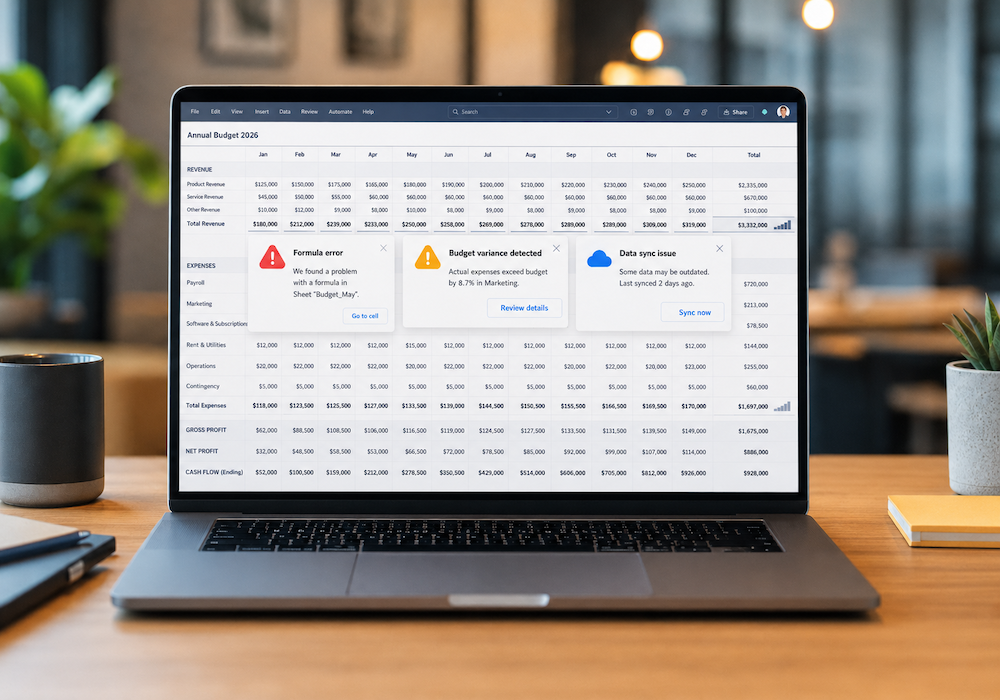
Spreadsheets are fine until things start to go wrong. If more than one or two of these sound familiar, the budget has probably grown past what Excel can hold safely:
None of these is about a lack of skills; it’s what happens when a tool designed for a narrow task is asked to run an entire finance function. That gap is the whole case for an alternative. Waiting past this point rarely makes the move easier; it only adds another year of history to carry across when you finally do.
For one person building a simple budget, a spreadsheet is hard to beat. The trouble starts when the budget gets bigger: more accounts and departments, and more people in the file at once. A few limits turn up again and again:
One breakdown puts the cost of Excel budgeting at about $22,000 a year, mostly the staff hours spent rebuilding and reconciling work the spreadsheet should have held together on its own. Read more in the true cost of Excel budgeting. That figure is mostly time, the hours a finance team spends rebuilding and reconciling work that the spreadsheet should have held together on its own.
Most of these problems trace back to what a spreadsheet is at its core: a grid of cells with formulas pointing at one another. A database built for budgeting works on a different footing, and the contrast is the clearest way to see it:
| In a spreadsheet | In a budgeting database |
| Rollups depend on formulas that can break in silence | Rollups are structural and recalculate on their own |
| Tracing where a number came from can take hours | Any figure traces back to its source in a click |
| Several editors mean several competing versions | Everyone works in one current version at once |
| A change leaves no record of who or when | Every change is logged against the person who made it |
The practical effect is that the work a spreadsheet made fragile turns routine. Totals add up because the structure adds them, not because a formula was dragged to the right row. A number can be questioned and answered in the moment, because its history travels with it. For a finance team it means less time spent defending the numbers, and more spent on what they say.
Not every budgeting tool solves the problems that drove you off Excel, and some recreate them behind a nicer interface. A few things separate a real alternative from a dressed-up spreadsheet:
| What to look for | Why it matters |
| A database foundation | Rollups and reports that cannot silently break, however large the budget grows |
| Real multi-user access | Contributors work at once, under permissions, instead of trading files |
| A full audit trail | Every change carries who, when, and what, which is what a board or auditor asks for |
| Direct accounting integrations | Actuals arrive from your ledger without rekeying |
| Reporting non-finance people can read | Department heads and the board use it without a finance translator |
Price belongs on the list, too, along with the way it is charged. Per-seat pricing penalizes the collaboration you are switching to, so a flat fee that includes users tends to suit a budgeting process better than one that bills each person who needs to contribute.
You might think you can lean on the accounting system you already pay for, but QuickBooks and the like are built to record what happened, not to plan what comes next, which is why [QuickBooks falls short as a budgeting tool] once you need real forecasting. And AI can not fix a broken spreadsheet. It uses the same fragile formulas, but with no audit trail or version control, as [Why AI Won’t Fix Your Broken Excel Budget] explains.
Moving off Excel does not mean starting over. A budgeting platform can import your existing structure and historical data, and have you working with the numbers you already know in about two weeks, rather than starting from a blank slate. The full move is covered in [a guide to moving from Excel to a budgeting platform].
Most of the hesitation about leaving Excel comes down to a handful of reasonable concerns. A migration that imports your existing structure takes a couple of weeks, so the project is smaller than it may seem at first. Other concerns are around losing historical data. However, that can be transferred during migration and, unlike a chain of Excel files, remains consistent from one period to the next. Contributors usually find the tool is simpler, quicker, and easier than a big shared spreadsheet. A common worry for smaller teams is security, and a hosted platform requires less maintenance than an email attachment sent around the office. The last is cost, which is usually lower than the staff hours Excel wastes each year.
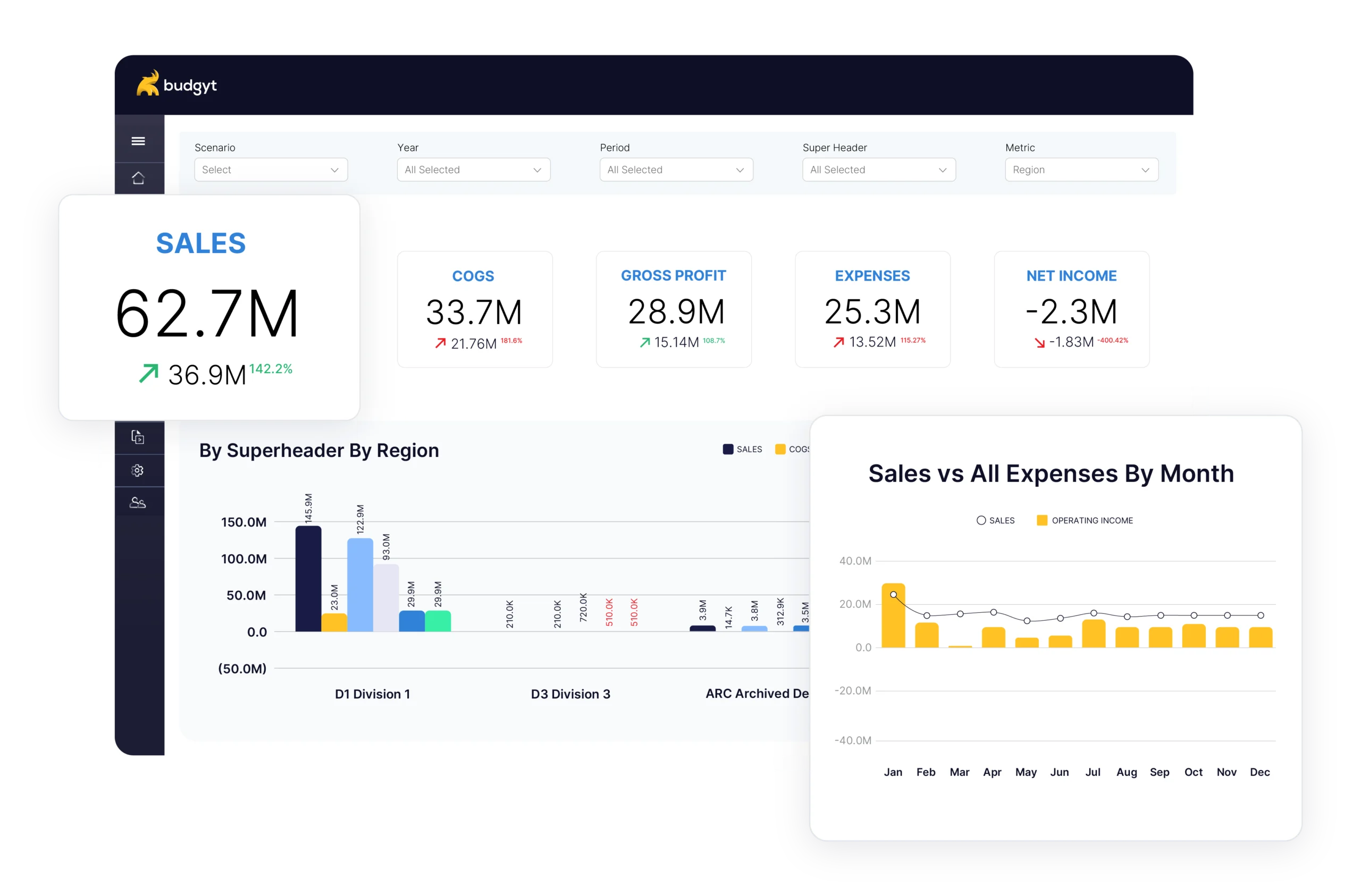
Budgyt is the database built for this. Rollups hold without formulas, which means a department total cannot quietly go wrong, and every figure traces back to the entry behind it with a record of who changed what. Everyone who touches the budget can work on it at the same time, each with their own permissions, with no versions to reconcile afterwards. It connects to QuickBooks, NetSuite, Sage Intacct, and Microsoft Dynamics 365 Business Central, bringing your chart of accounts and actuals across without rekeying. Reports run from the same data and export to formatted Excel when the board still wants a file, so leaving the spreadsheet does not mean leaving the format people know. Setup takes about two weeks, with unlimited users rather than charged per seat. You can see it in full on the Budgyt homepage.
You manage millions of dollars. You make decisions affecting dozens of employees. You report to boards with fiduciary responsibility.