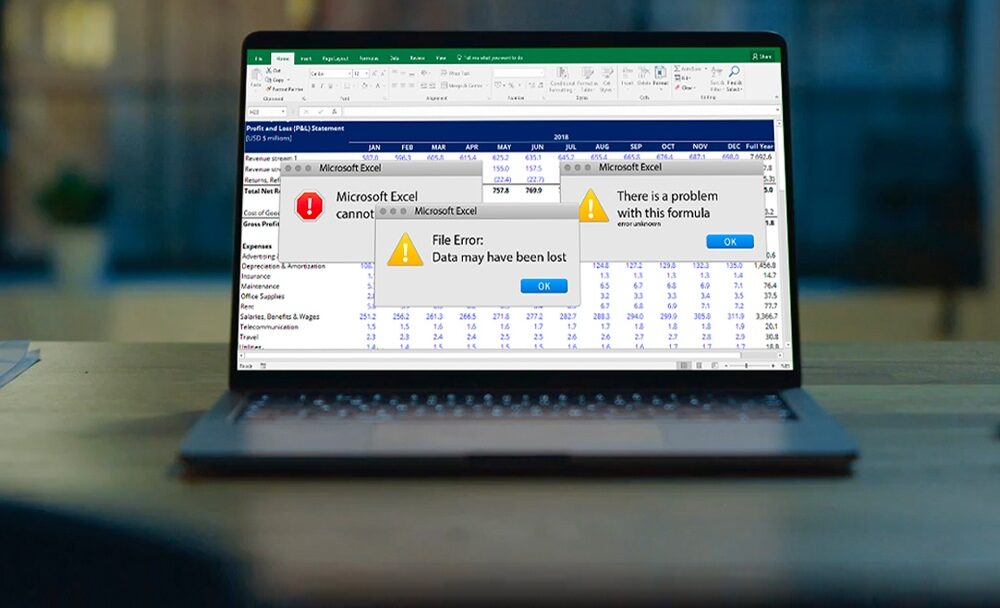
You likely already know Excel doesn’t meet your budgeting needs. Formula risks, version control headaches, and constant rebuilds are familiar challenges. Now, you need a practical guide for the switch: securing buy-in, evaluating platforms, preparing before you begin, and understanding what migration to Budgyt entails.
The adoption conversation around budgeting software differs from that of most technology rollouts. With a new CRM or project management tool, you are asking people to learn a new way of working. With budgeting, you are removing something they already find painful.
Your department heads are not emotionally attached to your Excel file. The people who delay their budget submissions, who email you numbers to enter on their behalf, and who avoid opening the file at all are already looking for a way out.
For executive buy-in, be concrete. Quantify team hours spent on spreadsheet maintenance versus financial analysis. Cite specific formula errors that caused rework or risk in board presentations. If the platform offers a free pilot, use it. The most persuasive business case is showing leadership the same budget, rebuilt without structural risk.
Market options range from costly, complex enterprise platforms to simple tools barely better than Excel. Four questions separate serious contenders.
Does it rely on Excel? Some platforms add workflow to spreadsheet engines, keeping the structural fragility you’re avoiding. A database foundation eliminates formula risk at its root.
How deep are the integrations? You need an API that automaps your Chart of Accounts, departments, and dimensions, and pulls actuals directly for budget-to-actual comparisons. Ask specifically how the platform connects with your accounting system: QuickBooks, Sage Intacct, NetSuite, Xero, Dynamics 365 Business Central, or others and how much of the mapping is automated.
How does collaboration work? The platform should offer granular permissions so department heads can input their numbers without touching your master budget or other departments’ data. Also, check whether users are unlimited or priced per seat, because per-user pricing adds up fast when your finance, operations, and executive teams all need access.
What does implementation require? Ask for the timeline from signing to go-live, IT needs, added consultant fees, and if you can pilot with your own data. Mid-market tools should be live in days or weeks, and cloud platforms shouldn’t require server installations or infrastructure changes.
One more thing worth asking: can you export reports back to Excel? You are not abandoning Excel as a delivery format – your board may still want to see a familiar spreadsheet. You are abandoning it as a calculation engine. Make sure any platform you evaluate lets you export fully formatted reports for presentation purposes.
This is the step most guides skip, and it is the one that makes the difference between a smooth transition and a frustrating one. Before you start configuring anything, get your house in order.
Back up everything. Save copies of current budget files and any supporting spreadsheets. If linked workbooks are used, keep a complete, working set for reference during the transition.
Document your structure. Export your Chart of Accounts from your accounting system. Write down your department and cost center structure, any dimensions or classes you use, and your budget methodology – whether that is zero-based, incremental, driver-based, or hybrid.
Map your logic. This is the part that usually only lives in one person’s head. Document your allocation methods (how you split payroll, how you distribute overhead), any custom formulas or workarounds you have built, and which tabs or worksheets drive which rollups. If you have conditional logic, things that calculate differently depending on department or entity, write that down too.
Record your access and permissions. Note who currently has access to the budget, what level of input or visibility each person has, and who approves what. This will save time when setting up permissions on the new platform.
Save recent board reports, variance analyses, and recurring team reports. These help with onboarding and benchmarking in the new system.
Note your budget cycle timeline. When does your budget process kick off? When do department heads submit their inputs? When does consolidation happen? And when does it go to the board? Understanding your own cadence helps you plan the migration around a natural breakpoint rather than switching mid-cycle.
Here is what the migration process looks like with Budgyt.
Step 1: Connect your accounting system. Our API connects to your accounting software and auto-maps your Chart of Accounts, departments, and dimensions. You are not manually rebuilding your structure or configuring field mappings – the platform reads your accounting data and sets up the framework for you.
Step 2: Recreate your Excel methodology. Our onboarding team works with you to translate the budget logic you currently run in Excel into the platform. That includes payroll allocations, consolidation rules, reporting hierarchies, and any custom workarounds you have built over the years.
Step 3: Go live. Budgyt is cloud-based, so no server installation or infrastructure changes are needed. Most customers are fully functional within a week.
Step 4: Compare side-by-side. If you want to validate the output before fully committing, our free pilot program lets you build your actual budget in Budgyt using your own data and run it alongside your current Excel model.
If you have questions about your specific setup or want to talk through the migration process, get in touch. Our team is happy to help
You manage millions of dollars. You make decisions affecting dozens of employees. You report to boards with fiduciary responsibility.