Managing a nonprofit’s finances means juggling grant requirements, donor expectations, programme delivery, and compliance reporting, while ensuring every pound serves your mission. And if you’re like most nonprofit finance teams, you’re doing it all in Excel.
The problem? Excel wasn’t built for this level of complexity. When 70% of your budget is payroll that needs to be allocated across multiple grants and programmes, when funding changes mid-year, and when you need rolling forecasts instead of static annual budgets, spreadsheets become a liability, not a tool. This guide will show you how to build nonprofit budgets that actually work, budgets you can trust, adapt, and defend with confidence.
When multiple department heads contribute to your budget, you end up with countless versions floating around in email chains. Budget_v2, Budget_FINAL, Budget_FINAL_revised, which one is actually current? One accidental deletion, one misplaced cell reference, and your entire budget throws #REF! errors. Now you’re spending your weekend tracking down the problem instead of focusing on your mission.
Allocating salaries across three grants with varying percentages means hundreds of formulas that all have to be perfect for every employee, every month, and every grant report. You’re presenting to the board tomorrow, and the numbers don’t reconcile. You’re hunting through hidden worksheets late at night, knowing your credibility depends on explaining that variance. Over half of our nonprofit customers came to Budgyt because they were exhausted by these exact problems.
Nonprofit budgeting isn’t just “business budgeting with less money.” It’s fundamentally different in ways that Excel simply can’t handle efficiently. That corporate grant requires programme-specific reporting. This foundation wants functional expense breakdowns. That government contract demands detailed cost allocations. Each funder has unique requirements, and your budget needs to satisfy all of them simultaneously.
When a single employee works across multiple programmes or grants, their salary, benefits, and overhead need to be allocated precisely. Multiply that by 20+ employees, and you’ve got thousands of allocation formulas that have to be perfect for every funder report. Unlike businesses that can plan annually, nonprofits need to adapt constantly. When a major donor changes their commitment in June, or a new grant opportunity appears in September, you can’t wait until next year’s budget cycle.
Grant auditors don’t accept “let me get back to you” when they ask how you calculated that allocation. You need complete audit trails showing exactly where every pound came from and where it went. Board members and programme directors need visibility into budget performance, but you can’t share individual salary information. Excel makes this nearly impossible; it’s all-or-nothing.
Track every funding source separately: individual donations, corporate grants, foundation grants, government contracts, earned income, and investment income. But the key is tracking not just the amount, but the restrictions. Can these funds be used for general operations? Are they restricted to specific programmes? Do they have timing requirements?
This is where most nonprofit budgets get complicated. For each employee, you need base salary, benefits and payroll taxes, allocation percentages across programmes and grants, plus changes over time as someone might shift from 50% Programme A to 75% Programme B mid-year. If you’re doing this in Excel, you’re managing thousands of interconnected formulas. When allocations change, you have to update formulas across multiple worksheets manually. Budgyt handles this automatically, sets the allocation percentages once, and they flow through your entire budget.
Beyond payroll, track direct programme costs, supplies and materials, professional services, facilities costs, and technology and communications. Each category must be allocated to specific programmes or grants, with a clear justification for the allocation method.
Funders want to know your overhead ratio. You need a clean separation between programme expenses (direct mission delivery), administrative expenses (general operations), and fundraising expenses (development activities). Some costs need to be allocated across these categories, like the Executive Director’s time or office rent. The allocation method needs to be consistent, defensible, and documented.
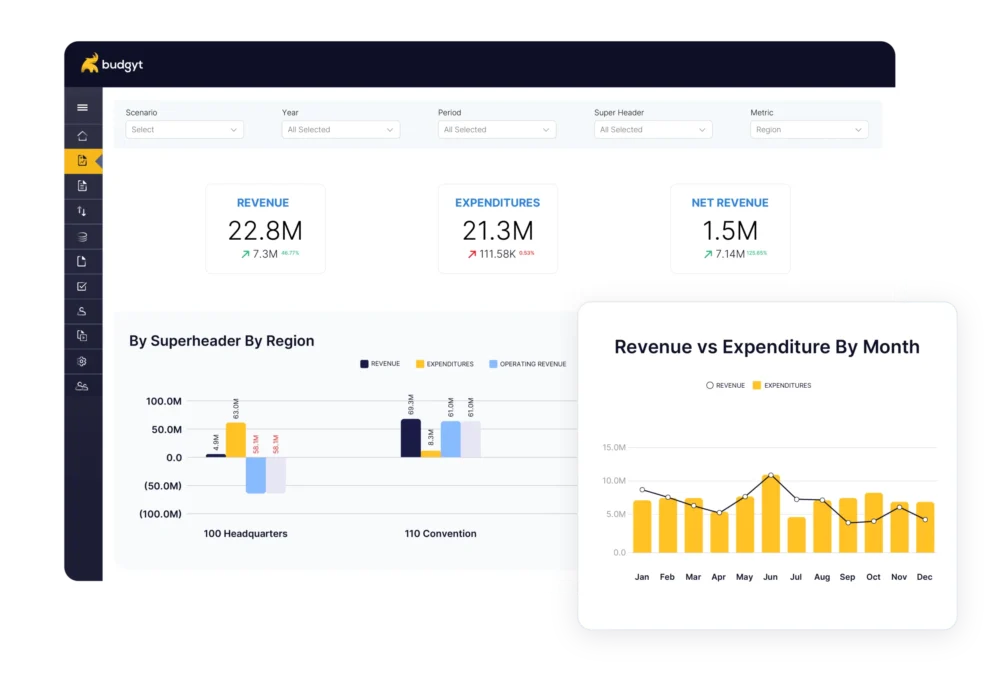
Many funders require functional expense statements that show costs by both programme and expense type. This means your budget needs to support multiple views of the same data – by programme, by expense category, and a combined matrix view showing what Programme A spends on salaries specifically. Excel requires separate worksheets and complex linking. Budgyt displays all these views automatically from a single data source.
Grant payments rarely align with programme spending. You might spend in January and get reimbursed in March, receive a grant in July for work spanning the entire year, or front-load expenses for a programme that generates revenue later. This creates cash flow gaps that can cripple operations if not planned properly. Your budget needs to show not just when you’ll earn and spend money, but when cash actually moves.
What happens if that major grant doesn’t come through? What if you receive unexpected funds? What if donor priorities shift? You need the ability to model different funding scenarios quickly: best case (all projected funding secured), expected case (realistic funding based on the current pipeline), and worst case (only confirmed funding). In Excel, this means creating multiple full budget copies and manually updating each one. With proper budgeting software, you create scenarios that share common elements but differ where funding varies.
Your budget should mirror your accounting structure. Import your full Chart of Accounts, including all revenue accounts, all expense accounts, your department and programme structure, and grant and funding source tracking. With Budgyt’s API integration, this happens automatically from QuickBooks, Xero, Sage Intacct, or NetSuite: no manual data entry, no mapping tables to maintain.
Create clear programme structures that match how you actually operate – direct service programmes, supporting programmes, administrative functions, and fundraising activities. Each should be a separate cost centre with its own budget authority and reporting requirements. For each employee, define base compensation, benefit rates, payroll tax calculations, default allocation across programmes and grants, and scheduled changes, such as planned raises or shifts in allocation.
Start your revenue budget with known funding, confirmed grants with specific amounts and timing, recurring donor commitments, government contracts, and earned income based on historical patterns. Then add projected funding with appropriate probability weighting. Don’t budget optimistically. Use realistic projections based on your development pipeline.
For each expense category, determine the allocation method. Some costs can be directly assigned to a single programme. Others need headcount-based allocation, revenue-based allocation, square footage allocation for facilities costs, or custom formulas for unique situations. Set these allocation rules once in Budgyt, and they apply automatically across your entire budget. When headcount changes, allocations update instantly.
Here’s where Excel budgeting really falls apart, turning your annual budget into the specific reports each funder requires. Foundations want to see just their grant allocation. Government contracts need detailed cost breakdowns. Major donors want programme-level impact reporting. Each has different formats, different fiscal years, and different allocation methods.
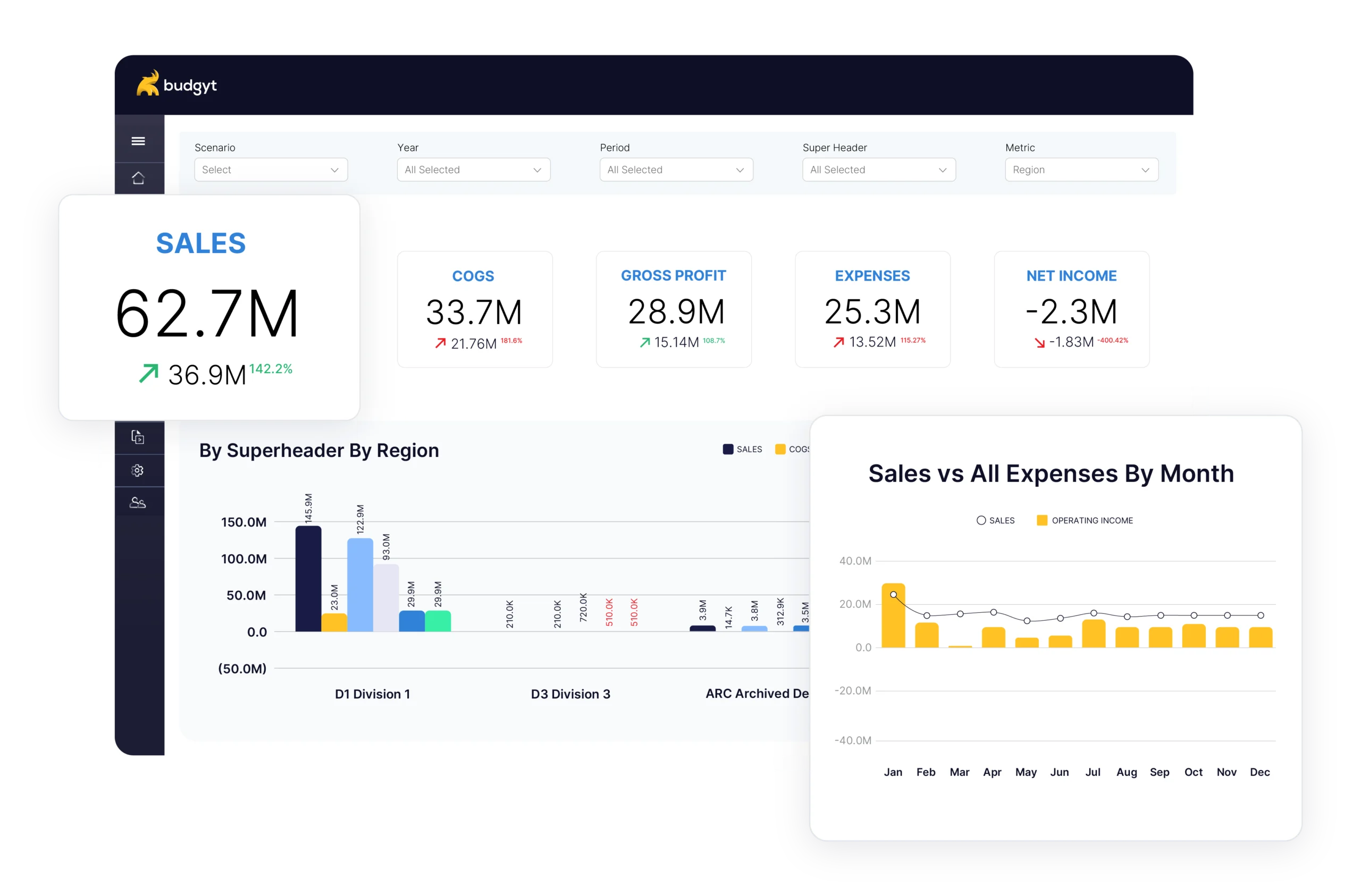
In Excel, this means creating separate reports manually, copying data from your master budget, reformatting everything, and praying you didn’t introduce errors in the process. With proper budgeting software, you create custom reports that pull directly from your budget. Filter to show only the revenues and expenses allocated to a specific grant, display in the funder’s required format, compare budget to actual spending, and show variance explanations.
The key is that all these reports pull from the same underlying data. Update your budget or actuals in one place, and every report updates automatically. No more reconciling discrepancies between reports because you’re all working from the same source.
Most budgeting software charges per user. That means keeping programme directors out of the budget process, because you can’t afford $50 per person per month. Budgyt includes unlimited users because better budgets come from collaboration.
Every revenue source and expense can be tagged to specific grants or funding sources. Filter to see just that grant’s budget versus actuals. Update your forecast monthly by replacing older actual data with current performance and extending projections. What used to take hours of copy-pasting now takes minutes. Click any number to see exactly how it was calculated. Drill down from summary to transaction-level detail. When auditors ask, “Where did this number come from?” you show them in seconds, not hours.
Budgyt is built on a database, not spreadsheets. Formulas never break. Rollups happen automatically. Department heads can input their budgets without touching your master budget structure. We didn’t build general business software and try to make it work for nonprofits. We built specifically for grant-funded operations, complex payroll allocation, functional expense reporting, and funder compliance.
If you’re still budgeting in Excel, you’re not alone, but you’re working harder than necessary. Start with a free trial by connecting via API to import your actual data from QuickBooks, Xero, or other accounting platforms. Use sample nonprofit data to explore features, or book a demo to see how it works with data similar to yours.
Don’t try to migrate everything at once. Pick one programme or department and rebuild its budget in Budgyt. See how the formulas work, test the reporting, get comfortable with the interface. The people who’ll actually use the budget should help build it. Their input makes the budget better and ensures adoption.
Every nonprofit deserves budgeting tools that actually work. Tools that adapt when funding changes. Tools that satisfy funder requirements without late-night spreadsheet work. Tools that let programme directors contribute safely without breaking your master budget. Budgyt was built specifically for this – by people who understand nonprofit budgeting challenges because they’ve lived them.
Book a demo to see how Budgyt works for your organisation,or learn more about budgeting for nonprofits to see how we handle grant allocations, payroll complexity, and funder reporting.
You manage millions of dollars. You make decisions affecting dozens of employees. You report to boards with fiduciary responsibility.