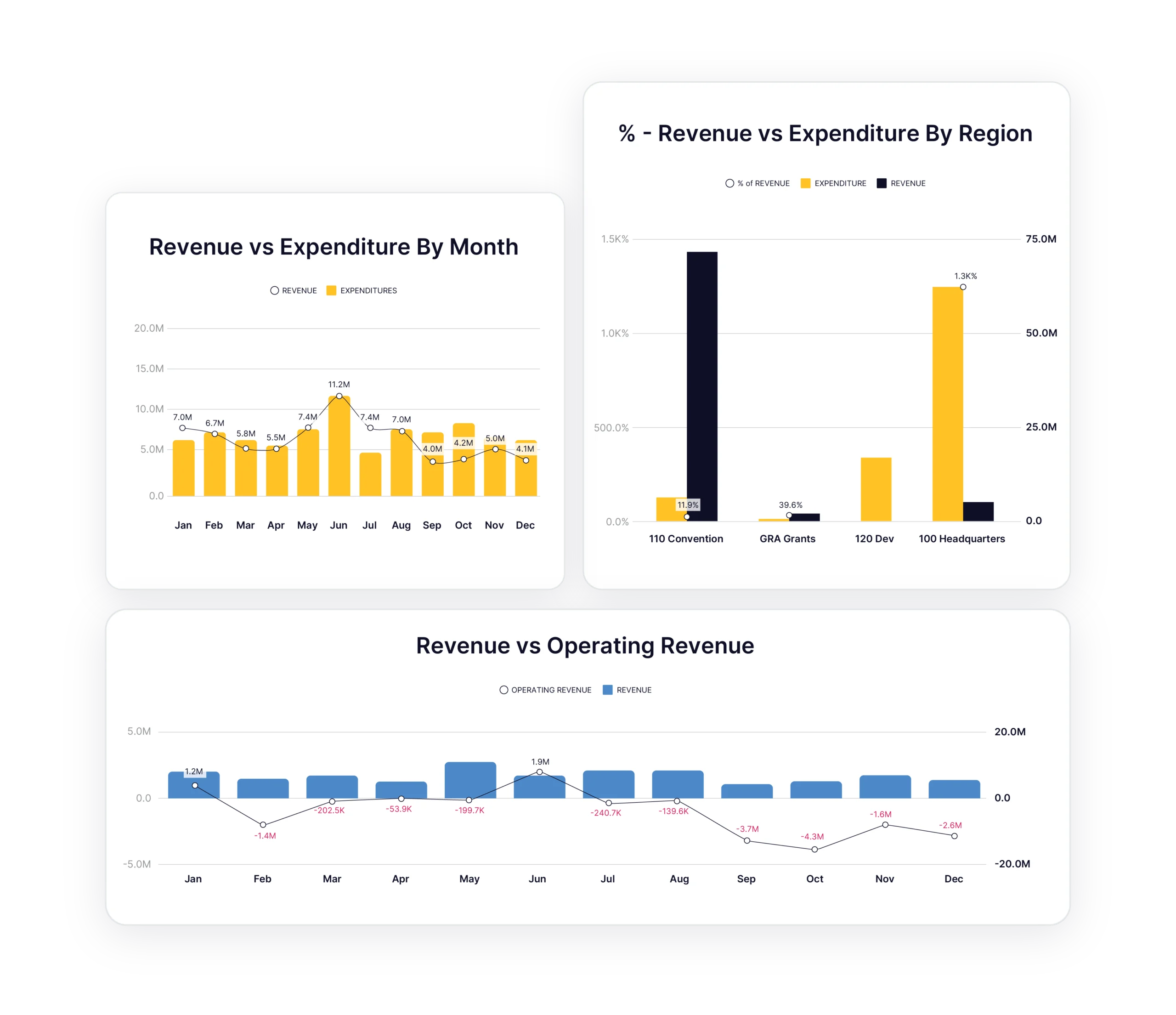
Chart of Accounts Hierarchy
Every account, sub-account, and account hierarchy from QuickBooks maps automatically into Budgyt. No manual re-entry. No mapping tables to maintain. Your exact COA structure appears ready for budgeting.
Connect QuickBooks directly to Budgyt and eliminate manual data entry forever. Deep API integration means your Chart of Accounts, classes, and actuals flow automatically into bulletproof budgets.
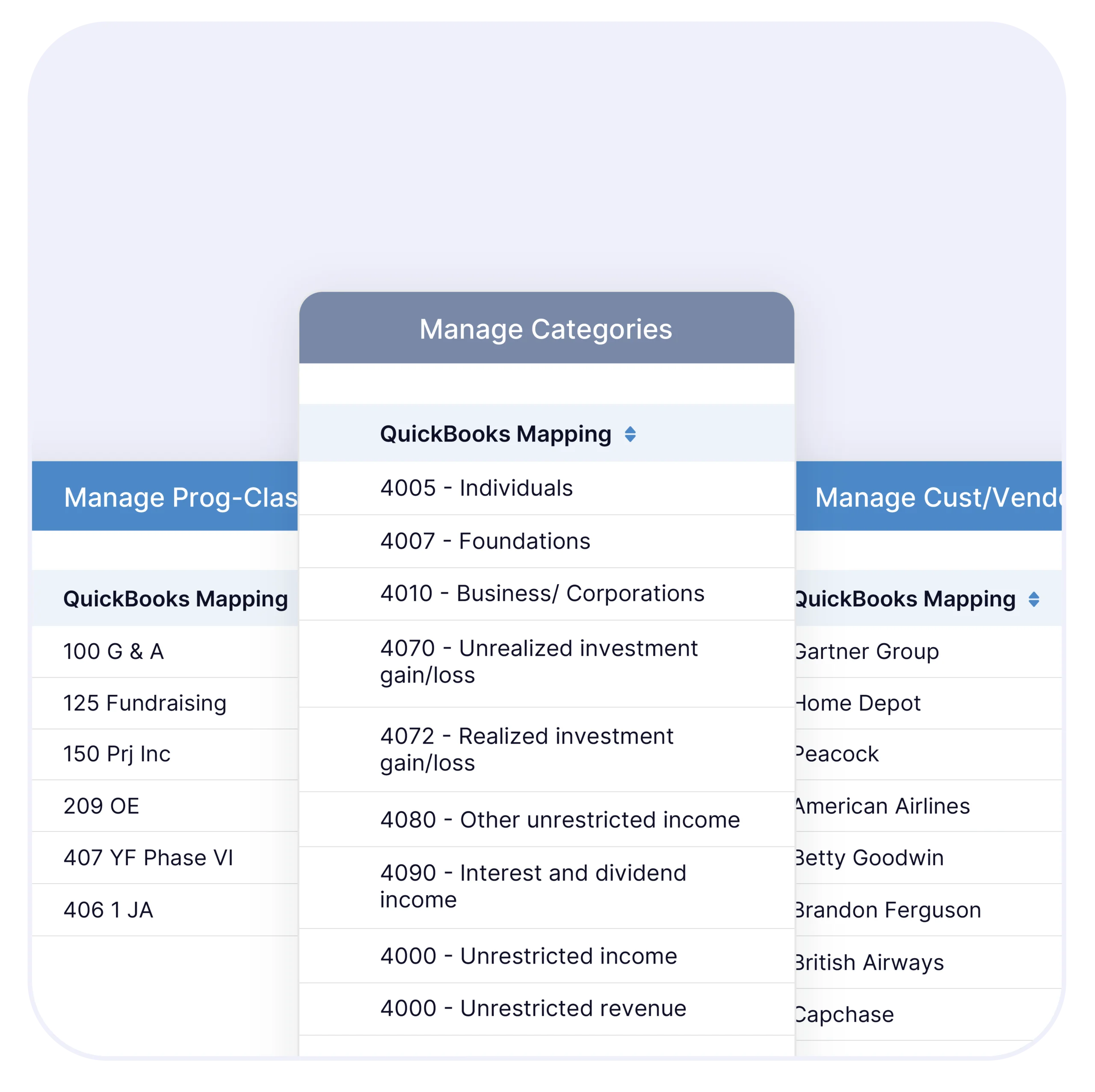
Direct API connection to QuickBooks imports your complete Chart of Accounts hierarchy, class structure, and GL transactions (including memo field, vendor or customer, category, and class) automatically. Setup takes minutes, not the weeks of manual Excel report building you’re dreading.
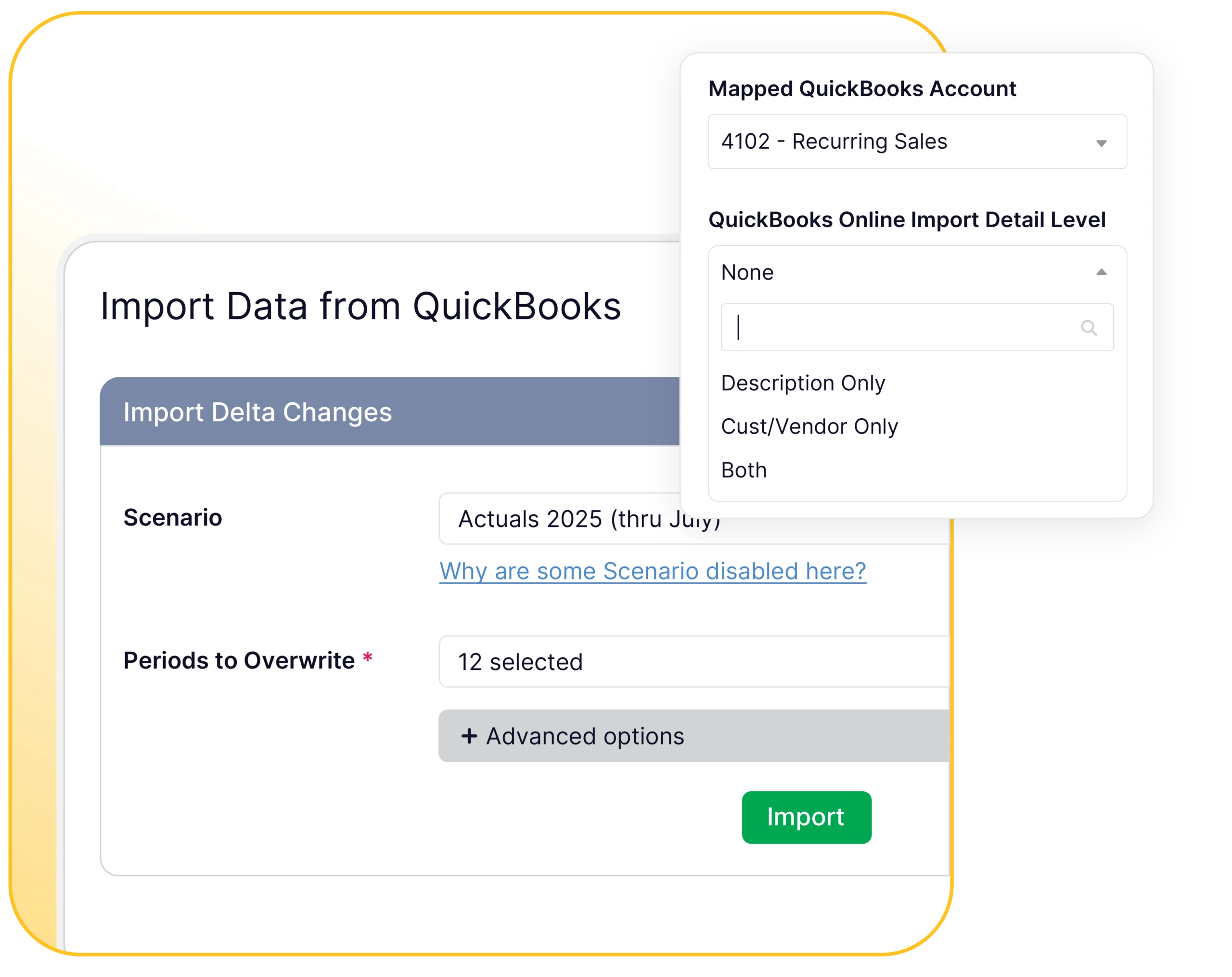
Your QuickBooks data flows seamlessly into Budgyt when you pull it – no manual exports, no CSV uploads, no spreadsheet gymnastics. You control when to import actuals, typically after your monthly close.
Import your entire financial structure once, then pull actuals monthly for variance analysis and rolling forecasts. You can immediately see whether actuals were booked to budget, helping your financial close process. Your QuickBooks data becomes budget-ready without touching a spreadsheet.
Your QuickBooks Structure, Automatically Budget-Ready
Every account, sub-account, and account hierarchy from QuickBooks maps automatically into Budgyt. No manual re-entry. No mapping tables to maintain. Your exact COA structure appears ready for budgeting.
QuickBooks departments and classes (including sub-classes) flow directly into Budgyt’s department structure. Track budgets and actuals by the same departments you’re already using in QuickBooks – automatic rollups included at both class and sub-class levels.
QuickBooks classes map to Budgyt departments for organizational structure. Use locations, vendors, and customers as budget dimensions. Budgyt maps these QuickBooks tracking categories, so you can budget and analyze by vendor, customer, or location.
Import vendor and customer tables from QuickBooks for detailed variance analysis. When you need to see which vendors are driving expense variances or which customers are exceeding revenue budgets, the data is already there.
Choose What You Need, When You Need It
Import any date range you need; not just “last two months.” Need three years of history for trend analysis? Import it once. Need just Q4 actuals for year-end forecasting? Pull exactly that.
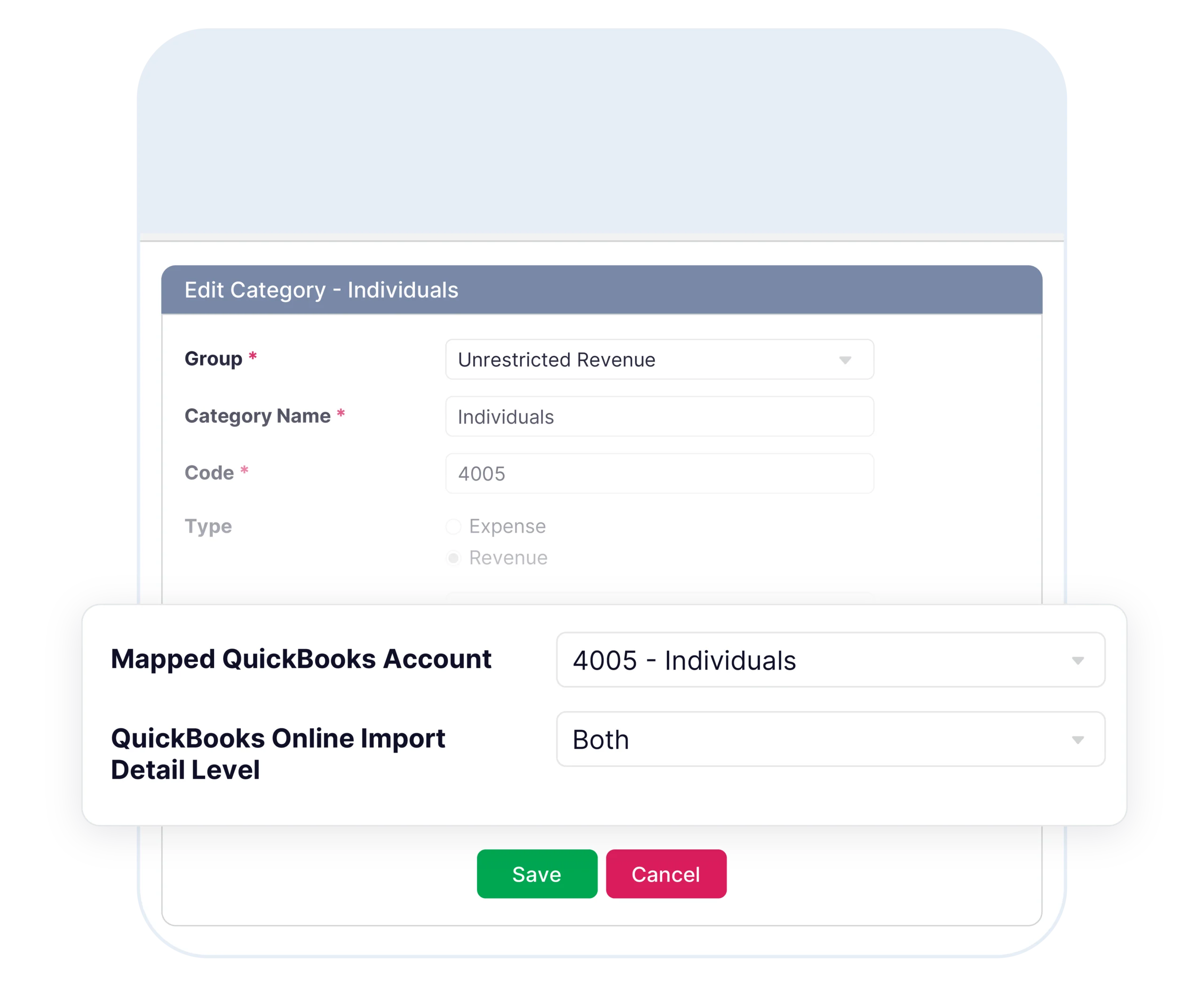
You control the level of detail through mapping settings. For each category, choose: category-level summary amount only, vendor/customer detail with memo fields, or vendor/customer only without memo clutter.
Pull actuals on demand when you’re ready. Compare budget vs. actual side-by-side, then update your rolling forecasts based on real QuickBooks performance.
Click any variance to drill down and see vendor/customer, date, memo, and dimension detail from QuickBooks transactions.
Forecast What Doesn’t Exist Yet
Budget for accounts and departments that don’t exist in QuickBooks yet. Planning to add a new revenue stream? Create the account structure in Budgyt and budget for it before it hits your QuickBooks file.
Expanding to new locations or adding departments? Build budgets for future structures while maintaining connections to your current QuickBooks setup. When you create them in QuickBooks, they map automatically.
Give department heads and managers budget visibility without granting them access to QuickBooks. They can see their budget vs. actual data, analyze variances at the vendor level, and update their forecasts – all while sensitive financial information stays protected. Perfect for organizations that need collaborative budgeting without compromising data security.
Your QuickBooks Data Stays Untouched
Budgyt connects on a read-only level to QuickBooks. We pull information for budgeting while your source data remains completely untouched. We never modify your QuickBooks data – ever.
Grant Budgyt access through QuickBooks’ standard permission system. Revoke access anytime. Your QuickBooks administrator maintains complete control over who can connect.
Your imported QuickBooks data lives in your dedicated Budgyt database, completely isolated from other customers. We never mix or share customer data.
Built by ISO 27001 and ISO 9001 certified developers. All QuickBooks connections run through enterprise-grade security on AWS infrastructure with 24/7 monitoring and 99.9% uptime.
Import QuickBooks actuals monthly and update rolling forecasts based on real performance. What used to take days of manual data entry now happens in minutes.
Import 2-3 years of QuickBooks history to identify trends and build realistic forecasts. Use actual historical patterns instead of guessing.
Department heads see their actual QuickBooks spending compared to budget without accessing your QuickBooks file. Secure portal access keeps sensitive data protected.
Side-by-side comparison of budget vs. QuickBooks actuals at any level. Drill from summary to transaction detail to see exactly which vendors, classes, locations or customers are driving variances.
Build multiple budget scenarios and compare against actual QuickBooks performance. Model “what-if” situations while staying grounded in real financial data.
Export budget vs. actual reports in board-ready formats, with confidence that every number traces back to QuickBooks transactions.

This is the perfect tool to give employees access to the data they need from QuickBooks Online, without them being able to access everything else. It’s taken a ton of inquiries off my lap.
Three Ways to Connect
Direct API connection to QuickBooks. Once you authorize Budgyt access through QuickBooks’ standard permission system, we automatically map your Chart of Accounts, departments, and dimensions. Then you can import GL transactions for any date range you need.
You control the sync frequency. Import actuals monthly for variance analysis and reforecasting, or pull data on-demand whenever you need updated numbers.
Yes. Import any date range – not just recent months. Many customers import 2-3 years of history for trend analysis and realistic forecasting.
Connect multiple QuickBooks companies and consolidate budgets in Budgyt. Perfect for multi-entity organizations or companies with separate QuickBooks instances.
Never. Budgyt connects on a read-only basis. We import data for budgeting but never write back to or modify your QuickBooks file.
Minutes, not weeks. The API maps your Chart of Accounts, departments, and dimensions automatically. Most customers are building budgets within hours of connecting.
See how seamless QuickBooks integration eliminates manual entry, reduces errors, and gives you complete confidence in your budgets.