Stop manually exporting QuickBooks data to Excel. Here’s how Budgyt’s direct API connection eliminates spreadsheet data entry forever.
If you’ve been copying and pasting QuickBooks data into Excel budget templates, you already know the pain. Manual exports take hours, data is outdated the moment you paste it, and formulas break constantly. You’re probably spending 4-8 hours every month on this tedious process, and your budgets are still built on week-old numbers.
Budgyt’s QuickBooks integration solves this completely. This guide explains exactly how the connection works and what gets imported. For a complete overview of all integration features and capabilities, see our QuickBooks Integration page.
The monthly ritual you’re stuck with now: export your Chart of Accounts to CSV, export actuals by month and department, copy-paste into Excel templates, fix the formulas that broke during paste, rebuild rollups that don’t match. Then you discover a department head edited the spreadsheet you sent them last week and now those numbers are wrong too. Repeat next month.
You’re spending 4-8 hours per month on data exports, working with week-old data at best, and dealing with formula errors that create board meeting disasters.
Here’s why the API connection is different.
You authorize Budgyt to connect to QuickBooks through QuickBooks’ standard permission system. This is a secure, read-only connection using OAuth 2.0 – the same protocol thousands of apps use. Budgyt can pull data but never modify anything in your QuickBooks file. Your administrator can revoke access anytime through QuickBooks’ permission system.
Once connected, Budgyt immediately maps your QuickBooks structure into budget-ready formats. This happens in minutes, not the days or weeks you’d spend manually rebuilding Excel templates.
Your entire Chart of Accounts flows into Budgyt – every account number, name, type, and sub-account hierarchy. If you have a four-level account structure in QuickBooks, it becomes a four-level structure in Budgyt. All department names, codes, and rollup structures map automatically. If you have 15 locations that roll up to 3 regions, that hierarchy appears ready for budgeting.
Class and sub-class tracking for projects or programs becomes dimensions you can budget against. Location tracking for multi-site operations, vendor and customer lists, custom dimension fields. No manual re-entry. No mapping tables to maintain.
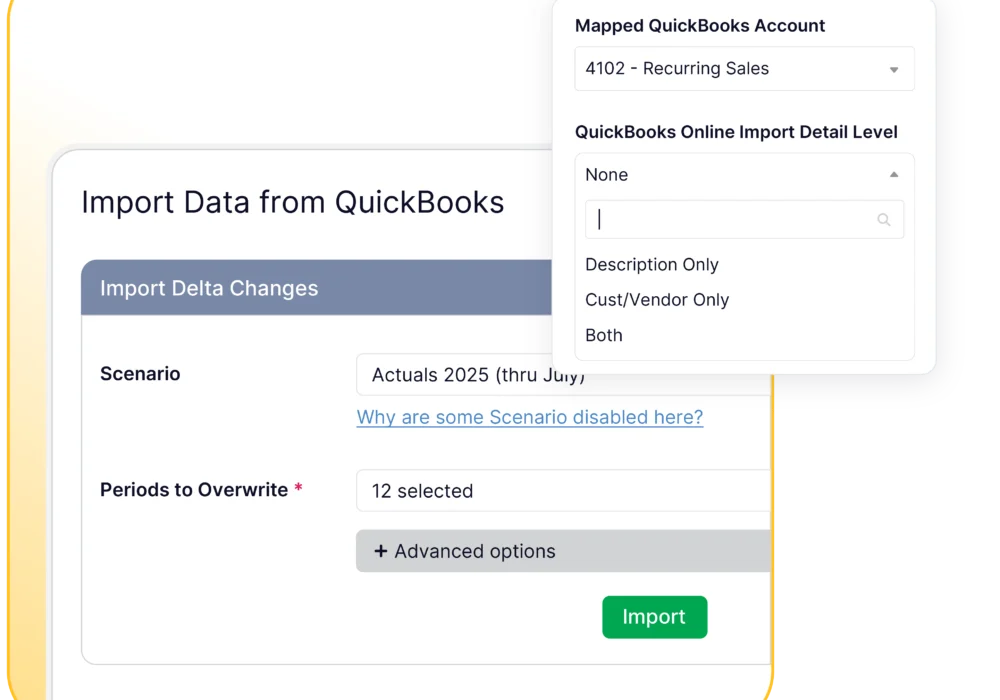
Here’s where Budgyt differs from typical integrations. You control what transactions get imported and when; no forced sync schedules or limited date ranges.
Want three years of history to identify trends? Import it once. Need just Q4 actuals for year-end forecasting? Pull exactly that. Unlike other integrations that limit you to recent months, Budgyt supports importing historical data for trend analysis. You can set granularity by category and import revenue at transaction level to analyze by customer while keeping overhead expenses at monthly summary to avoid clutter.
Set automatic monthly imports that pull actuals after your month-end close, or pull actuals on-demand before board meetings when you need current numbers. Every transaction includes date, amount, vendor or customer, account, department, and any custom dimensions you’re tracking. Click any variance in Budgyt to drill down to the specific QuickBooks transactions driving the difference.
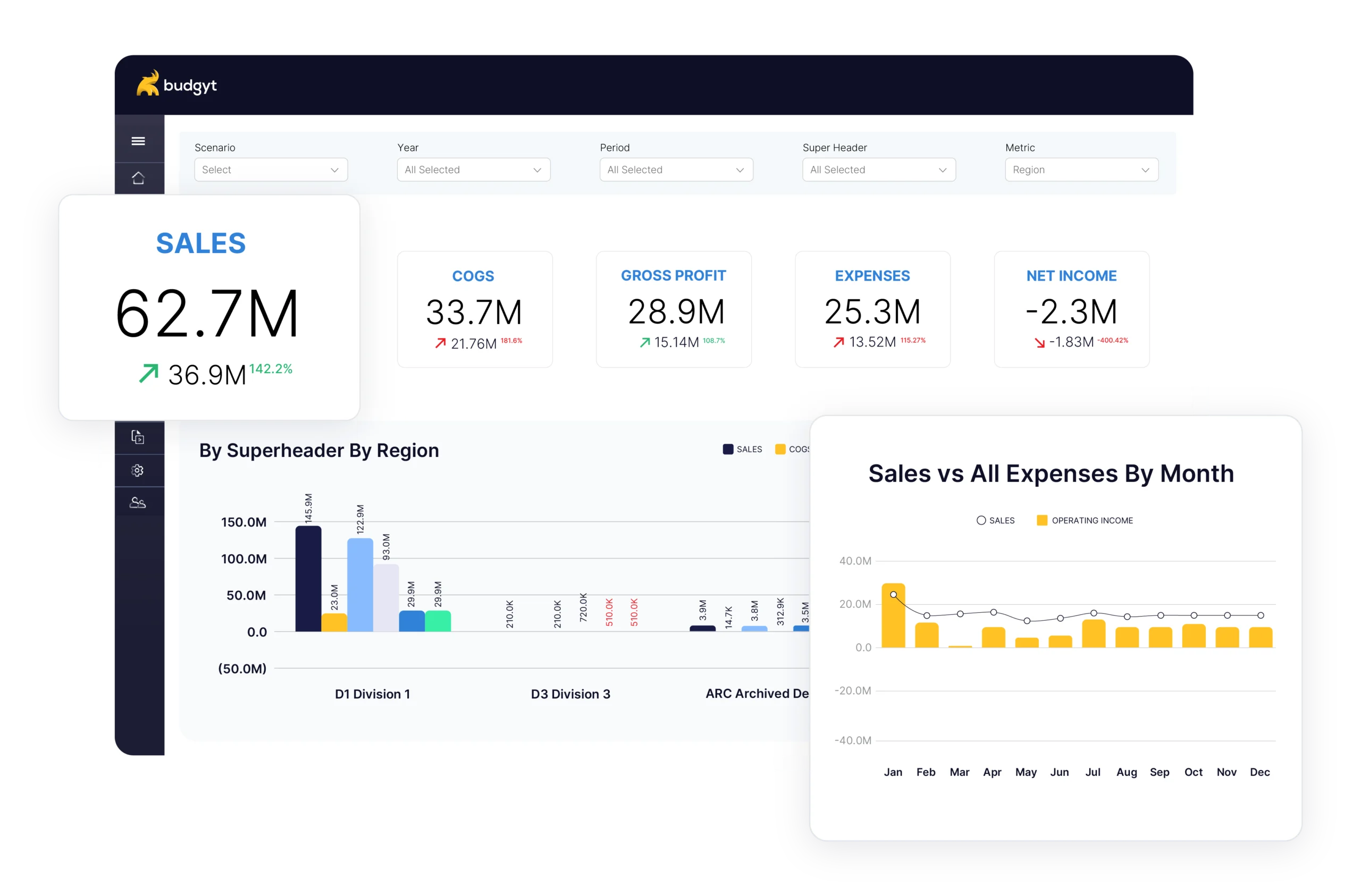
The difference in your budget process is dramatic. Instead of spending 6 hours exporting, pasting, fixing formulas, and rebuilding rollups, you click “import” and your actuals appear in 5 minutes. Department heads see their actual spending automatically without waiting for your “final” numbers.
With Budgyt’s QuickBooks integration, updating forecasts monthly becomes practical instead of torture. Import January actuals in February, update your forecast based on real performance, see immediately which departments are tracking to plan, and adjust remaining months. What used to take a full day now takes minutes.
For example, imagine a mid-sized healthcare organization with 15 clinic locations was manually consolidating budgets across all locations every month – 8 hours of mostly Excel work. After connecting QuickBooks to Budgyt, their monthly actuals import takes 3 minutes. That’s 94 hours per year saved, now spent on actual financial analysis instead of data entry. Their clinic managers can now see budget vs. actual data and update forecasts through a secure portal without accessing the QuickBooks file.
Budgyt connects via QuickBooks’ OAuth 2.0 protocol with read-only permissions. Your imported data lives in your dedicated Budgyt database on AWS, completely isolated from other customers. The platform has 24/7 monitoring, 99.9% uptime, and encryption in transit and at rest.
Most QuickBooks configurations connect perfectly on first try. Standard Chart of Accounts structures up to 5 levels deep, department and class tracking with hierarchies, transaction imports for any date range, and custom dimension fields all work seamlessly. Common Questions About the Connection
No. The connection is read-only. Budgyt imports data for budgeting but never writes anything back to QuickBooks. Your QuickBooks file stays exactly as it is. We can’t create transactions, modify accounts, change vendors, or alter anything in your source data.
Perfect use case. Create the new accounts in Budgyt and budget for them before they exist in QuickBooks. Planning a new revenue stream? Budget for it now. When you eventually create these accounts in QuickBooks, they’ll map automatically during the next import.
Yes. Department heads and managers can see their budget vs. actual data, analyze variances at the vendor level, and update forecasts through Budgyt’s secure portal. They never touch your QuickBooks file or see sensitive financial data outside their department. As one CFO put it: “You never want to give all employees access to QuickBooks Online, so this is the perfect tool to give them the data they need, without them being able to access everything.”
Ready to stop the manual export ritual? Here are two ways to connect Budgyt to QuickBooks:
Book a demo and our team will walk you through the connection process. We’ll show you how the authorization works, how your data maps, and answer any questions your IT team has. Most people are up and running within one 45-minute session.
Or if you prefer to explore on your own first, book a demo and we’ll configure the connection during onboarding. We’ll import your historical data and you’ll see your actual budget built in real-time.
QuickBooks is excellent at tracking your actuals. Excel is terrible at building collaborative budgets without breaking. The QuickBooks-Budgyt connection gives you the best of both worlds: actual data flows automatically from QuickBooks into budgets built in a system designed for collaboration.
No more manual exports, broken formulas, or weekend work. Hundreds of CFOs have already made the switch. Most say their only regret is not doing it sooner.
You manage millions of dollars. You make decisions affecting dozens of employees. You report to boards with fiduciary responsibility.