
8,000 formulas still at risk
DataRails runs on Excel, so every edit by non-experts adds boardroom risk. One wrong formula and your reputation is on the line. Budgyt’s database foundation eliminates formula risk entirely.
Want to escape Excel chaos? Don’t choose a platform built on top of it. With 8,000+ formula errors in a typical Excel budget, unless you’ve got a whole team of Excel experts, DataRails adds risk and complexity. Budgyt removes both.
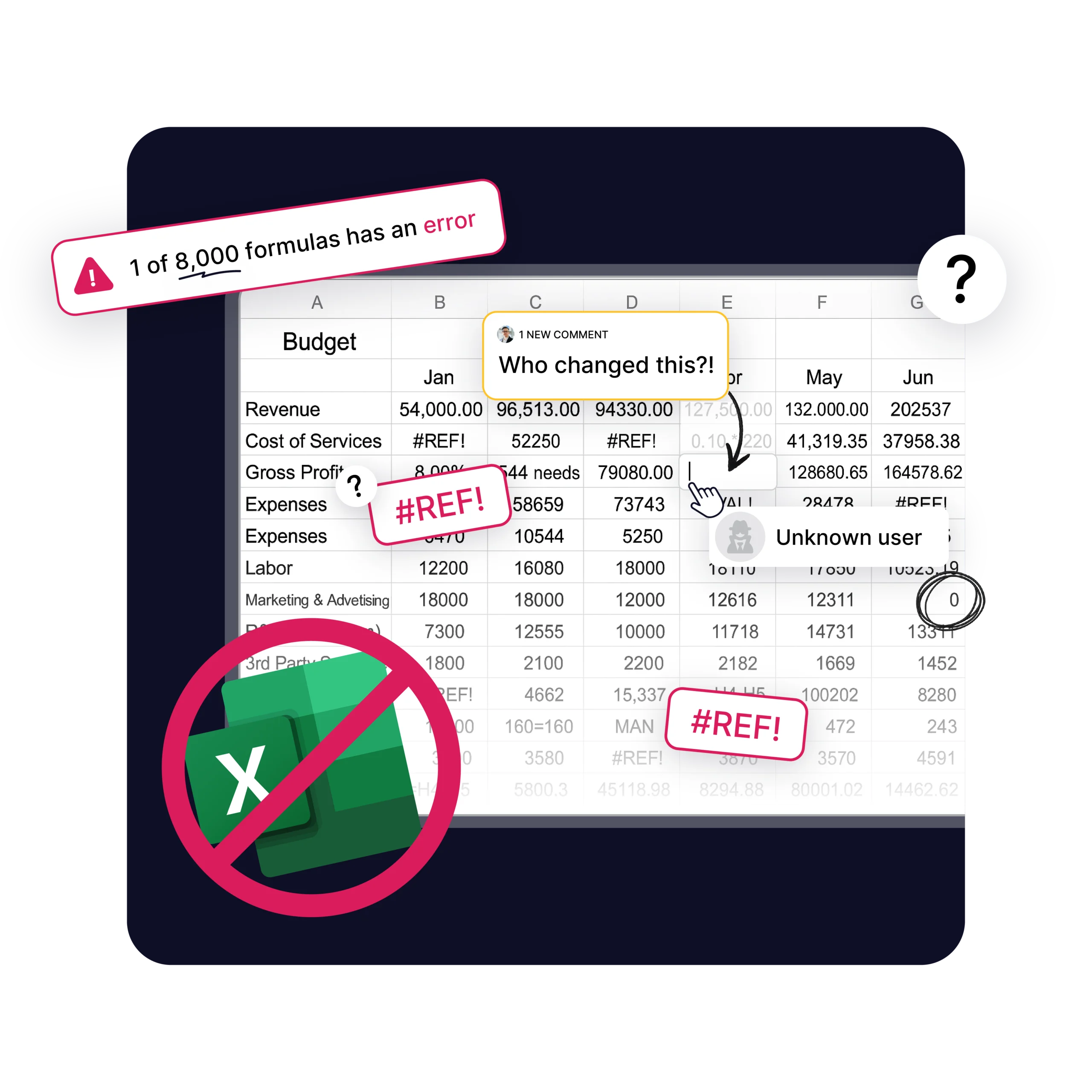
DataRails runs on Excel, so every edit by non-experts adds boardroom risk. One wrong formula and your reputation is on the line. Budgyt’s database foundation eliminates formula risk entirely.
Ditch confusing setups and complex mapping tables between your accounting software and Excel that break when you add departments or accounts. Budgyt handles it all automatically.
DataRails only works if everyone on your team is an Excel expert. But what happens if they’re not around? Budgyt works for everyone – no Excel knowledge required.
DataRails users report needing outside consultants “available monthly” even after becoming proficient. With Budgyt’s database structure, your team maintains everything independently – no ongoing professional services required.














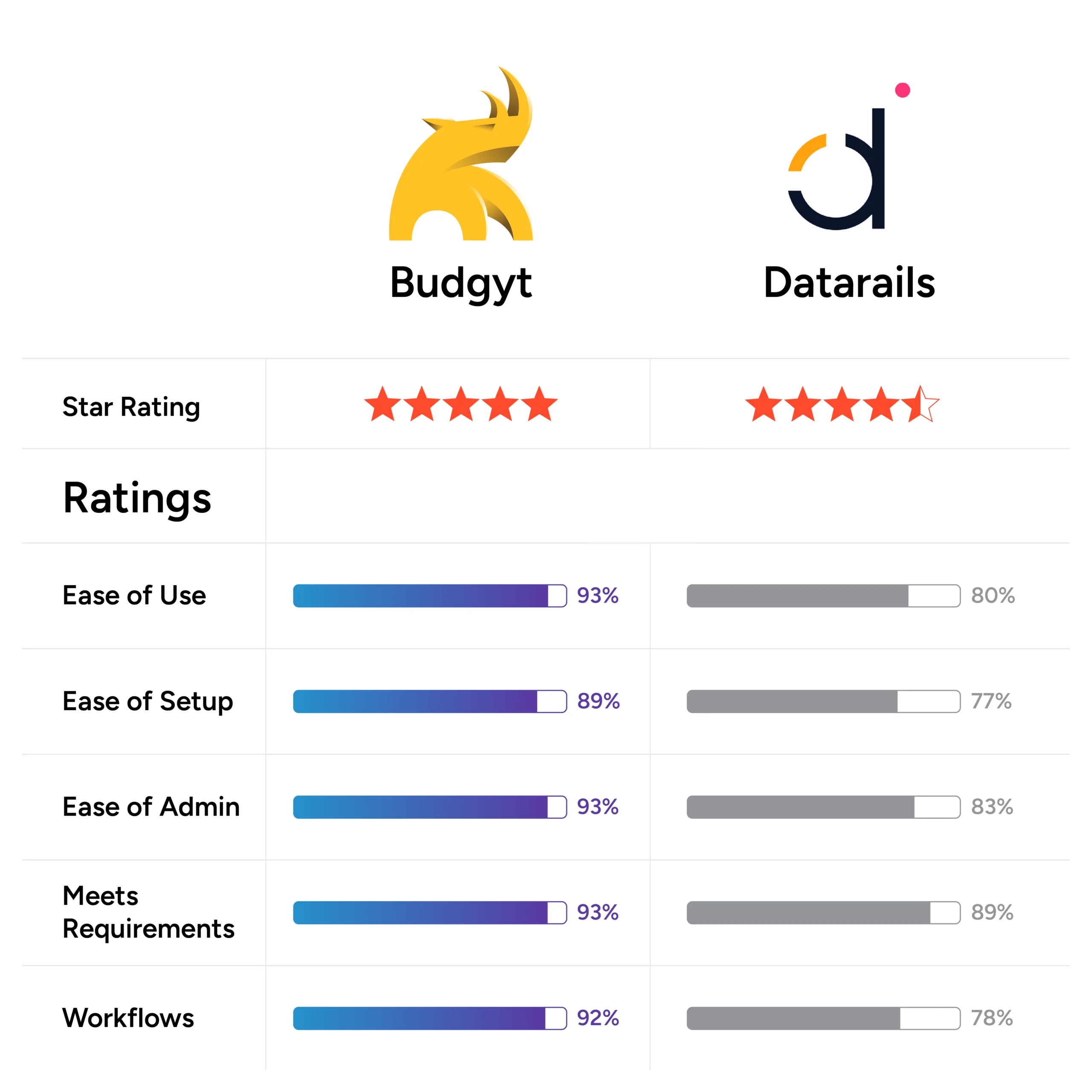
Budgyt: 4.8/5 ★ | DataRails: 4.6/5 ★
G2 compares 40 categories. Budgyt beats DataRails in all of them.
Key advantages include:
Probably not. DataRails requires Excel expertise to maintain mapping tables and troubleshoot errors. One mistake by anyone creates boardroom risk.
With Budgyt: Automatic. But DataRails is slower and more complicated, with complex mapping tables and too many potential formula errors to check.
DataRails requires manual workarounds. Basic functions that should be automatic require manual processes and constant troubleshooting.
Most finance teams can’t. Every organizational change in Datarails requires expensive consultant help to rebuild Excel templates and reports.

This is the perfect tool to give employees access to the data they need from QuickBooks Online, without them being able to access everything else. It’s taken a ton of inquiries off my lap.

We rely on a flexible approach to managing our finances, so it is critical to have data organized and presented the way we need it. Budgyt is highly customizable and can fit most, if not any, account structure.

“The best part of Budgyt is how easily formulas and other rules can be managed, used, and modified between budget years."
| What You Need | Budgyt | DataRails |
|---|---|---|
| Foundation | ||
| Database vs Excel | Pure database – no Excel risk | Built on Excel – all Excel problems remain |
| Formula Management | Unbreakable database formulas | 8,000+ Excel formulas at risk |
| User Requirements | Anyone can use safely | Excel experts needed |
| Implementation | ||
| Setup Complexity | API auto-maps everything | Long setup linking to Excel tables |
| Mapping Maintenance | Automatic database connections | Complex manual mapping tables |
| Documentation | Clear guidance and support | No readily available resource |
| Ongoing Maintenance | Self-maintainable by your team | Requires monthly expert involvement |
| Capabilities | ||
| Budget building | Full platform, full features | Limited capabilities |
| Integration | Extensive | Limited Quickbooks desktop compatibility |
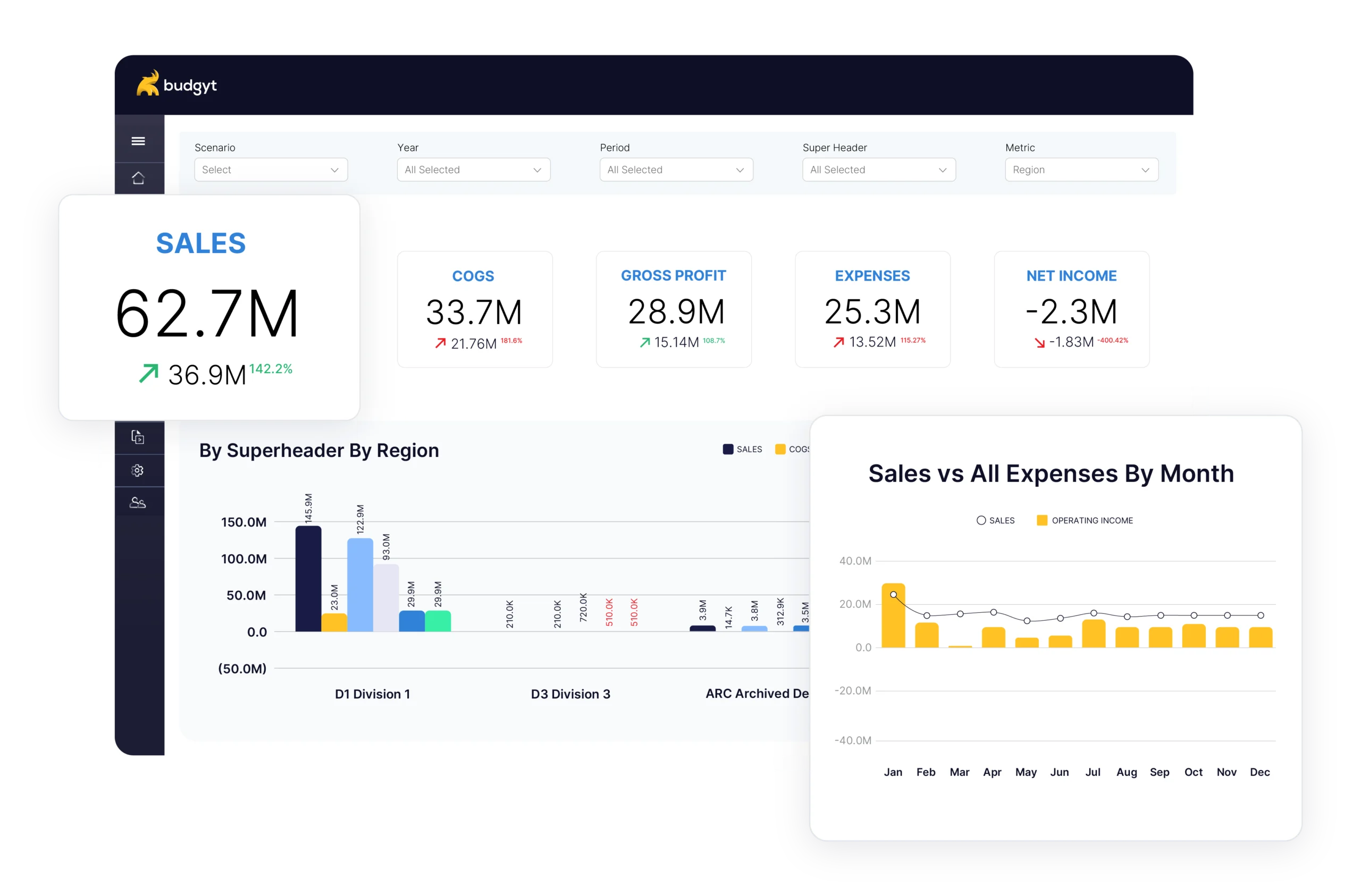
Budgyt, unless your entire team are Excel experts. DataRails keeps Excel’s 8,000+ formula risk while adding complex mapping requirements. Budgyt eliminates both problems with a pure database foundation.
DataRails isn’t just Excel – it’s Excel plus mapping complexity. You still have all of Excel’s risks, but now you also have to maintain mapping tables between your accounting software and spreadsheets. Budgyt gives you Excel’s functionality without any of the maintenance headaches.
“Tedious and confusing” according to users. The mapping process is poorly documented and troubleshooting errors is time-consuming. Budgyt’s API setup is automatic and takes minutes, not weeks.
Only if they’re Excel experts. DataRails requires deep Excel knowledge to maintain the mapping tables and troubleshoot issues. Budgyt works for anyone – no specialized knowledge required.
Not well, especially QuickBooks Desktop. Users report that it “doesn’t work well” and “requires a lot of manual processes.” Budgyt integrates seamlessly with both QuickBooks Online and Desktop.
Full Excel functionality, without the risks. No complexity, no hassle. Plus unlimited users. and more of the features you need to build the budgets you want.